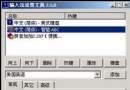
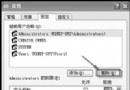
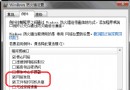
SP2 早期 Beta (Build 2055) 曾開放兩位使用者同時遠端桌面登入,正式版移除此功能。透過替換系統檔可找回此特性。
C:\Windows\System32\dllcache\termsrv.dll
C:\Windows\System32\termsrv.dll
dllcache
termsrv.dll
2055 版屬測試版本,移除功能可能因不穩定或安全性考量。操作前請完整備份系統,本站不負擔任何後果責任。
Windows 實用技巧兩則:解除關機限制與以總管模式開啟控制台
Windows XP 原地升級修復安裝全攻略:不重裝保留資料解決系統崩潰
電腦開機黑屏完整分析:四大類型與對應排查流程
批量提取文件夾所有文件名到 Excel:DOS 命令 + 外部數據導入高效法
Windows XP 登錄修改精粹(下):進階介面加速與安全鎖定
Windows XP 系統優化實用建議:停用開機自啟、移除工具列、定期維護
XP 技巧大全目錄:58 章節分類導覽
讓 Linux 桌面體驗更接近 Windows:主題、快捷鍵、我的文件共享與虛擬光碟工具