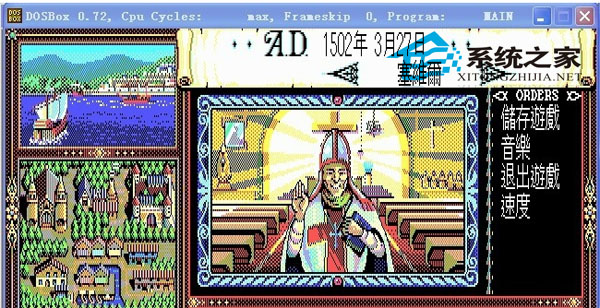
懷舊DOS遊戲(如《大皇帝》、《勇者鬥惡龍》)在WinXP下需DOSBox模擬器運行。
E:\dosgame
mount c "e:/dosgame"
dosbox.conf
[autoexec]
c:
game.exe
注意:部份早期DOS遊戲與現代硬體不兼容可能黑屏,多嘗試幾次或調整DOSBox核心參數(core=dynamic、cycles=auto)可提高相容性。
core=dynamic
cycles=auto
桌面惡意圖示刪不掉?三招徹底清除流氓捷徑與註冊表殘留
滑鼠右鍵選單響應慢?註冊表與工具雙管齊下加速
Windows XP 自動更新選項全灰無法設定?群組原則被停用所致
WinXP 如何快速關閉多個視窗?Alt+F4、Ctrl+點選工作列、工作管理員三大絕招
Windows XP 電腦無法關機六大原因深度解析:聲音、啟動項、APM、核心檔、Config.sys、CMOS
WinXP 找回消失的「網路芳鄰」圖示:兩大標準恢復法
WinXP 網路連線故障一鍵修復:內建「修復」功能與 DHCP 租約更新機制
Windows XP USB 不穩定/間歇斷線解決方案:關閉 USB 選擇性暫停節電