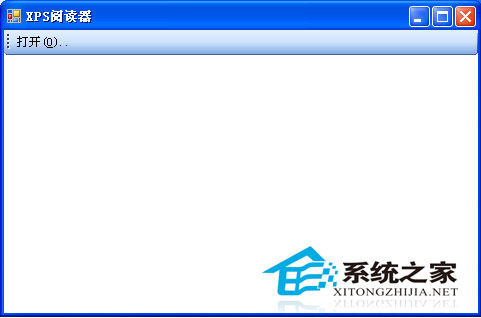
XPS 格式為 Vista/Win7 內建支援,XP 需安裝 XPS Viewer 才能開啟。安裝後可直接閱讀 XPS 文件,並支援另存為 PDF 格式。
.xps
XPS Viewer 同時支援 XP/Vista/Win7,是跨平台閱讀 XPS 文件的輕量工具。
忘記XP登入密碼?兩大破解攻略輕鬆找回
Windows XP 五大核心密碼類型深度解析與破解實戰
登錄修改免重啟生效技巧:重新啟動 Explorer.exe 讓變更即時生效
Windows XP 升級 Windows 7 完整遷移指南:兩種硬碟安裝法(單系統/雙系統區別)
安裝作業系統時出現「Can't edit boot.ini」錯誤的解決方法
WinXP 刪除不常用輸入法,精簡語言欄切換列表提升效率
WinXP 啟用 NetMeeting 進行遠端會議與桌面共享完整教學
系統還原失敗六大成因與對策:從磁碟空間到雙系統干擾全解析