Windows XP Windows 7 Windows 2003 Windows Vista Windows 綜合教學 Linux 系統教學
Windows 10 Windows 8 Windows 2008 Windows NT Windows Server 電腦軟體教學

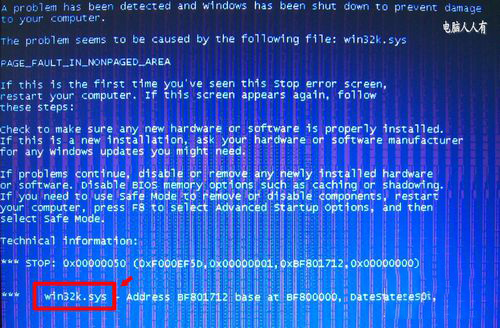
WinXP 藍屏停止碼 0x00000050 Win32.sys?從 Dllcache 還原系統檔案並全盤掃毒

編輯:XP 系統應用技巧

藍屏停止碼 0x00000050、故障模組 Win32.sys,代表系統核心檔案被病毒感染/損壞。從 C:\Windows\System32\Dllcache 備份還原該檔案,並全盤掃毒清除惡意啟動項即可修復。

修復步驟

  1. 記錄藍屏資訊:停止碼 0x50、檔案 Win32.sys。
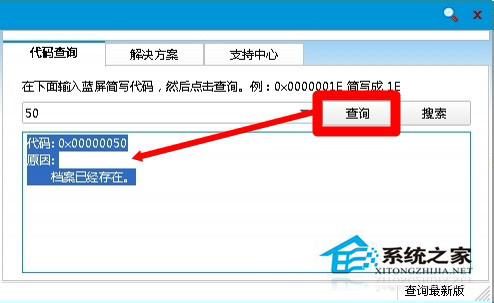
  2. 使用藍屏碼查詢工具確認:驅動衝突/檔案已存在錯誤。
  3. 進入 C:\Windows\System32\Dllcache 找到 Win32.sys 備份 → 複製至 C:\Windows\System32\ 覆蓋(若檔案大小相同則未被感染,需找其他原因)。
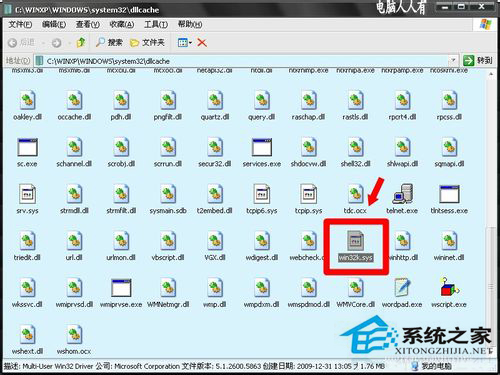
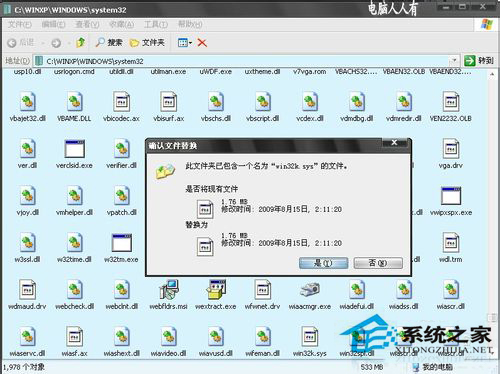
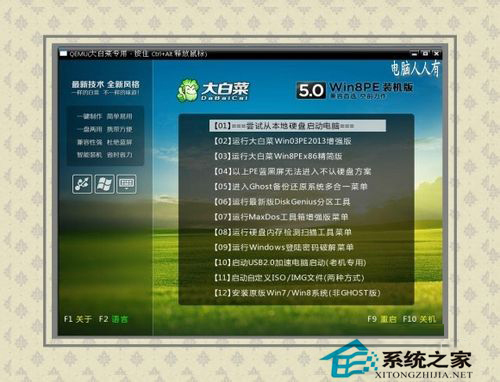
  4. 若系統保護無法覆蓋:用 PE 系統開機或安全模式下覆蓋。
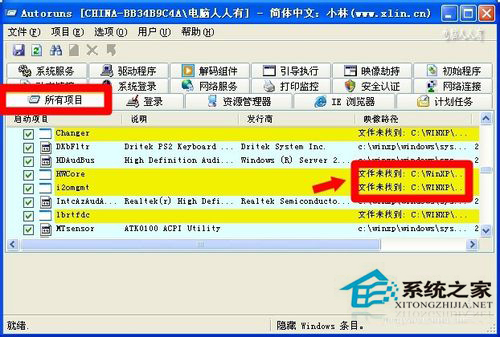
  5. 進入系統後立即全盤掃毒,並用 autoruns.exe 掃描清除可疑啟動項。

Dllcache 為系統檔案保護備份區,還原後務必徹底清毒,防止再次感染。

Copyright © Windows教程網 All Rights Reserved