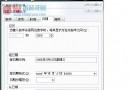
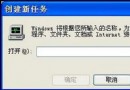
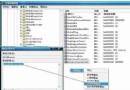
XP 換光碟後光驅仍顯示上一張內容,需重開機才恢復。主因:內建「CDROM Mirror」快取功能,預設保留 5 分鐘鏡像。
設為 0 即即時釋放快取,換碟即時顯示新內容;若需保留效能可改為 1~2 分鐘。此設定不影響一般讀取速度。
Windows XP 環境下格式化 Windows Vista 系統分區完整解決方案
Windows 群組原則軟體限制原則 規則撰寫實戰範例(一)
主流路由器默認管理帳號密碼大全:TP-Link、華為、水星、斐訊、網件、華碩等 20+ 品牌速查表
無線網路安全全攻略:駭客入侵實測與防禦 (關閉 DHCP、修改 MAC、強密碼、關閉廣播)
WinXP安全模式啟動破解軟體激活系統?風險與合法替代方案說明
10 款增強 Windows 效率必備免費軟體(一):檔案復原、重複檔清理、超級複製、程式碼比對、檔案同步、磁碟映像備份