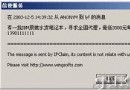
SP3 遠端桌面更新至 6.1 版,支援 NLA (Network Level Authentication)。Vista 預設「僅允許執行網路層級驗證的遠端桌面連線」,導致 XP SP3 無法連線 Vista。
微軟工程師提供 KB951608 註冊表修改法:
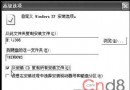
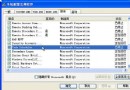
regedit。HKEY_LOCAL_MACHINE\SYSTEM\CurrentControlSet\Control\Lsa,右鍵 Security Packages → 修改,在數值資料末尾加入 tspkg(保留原有值)。HKEY_LOCAL_MACHINE\SYSTEM\CurrentControlSet\Control\SecurityProviders,右鍵 SecurityProviders → 修改,在數值資料末尾加入 credssp.dll(保留原有值)。完成後 XP SP3 即支援 NLA,可直接連線 Vista 無需降級 Vista 設定,保持最高安全等級。