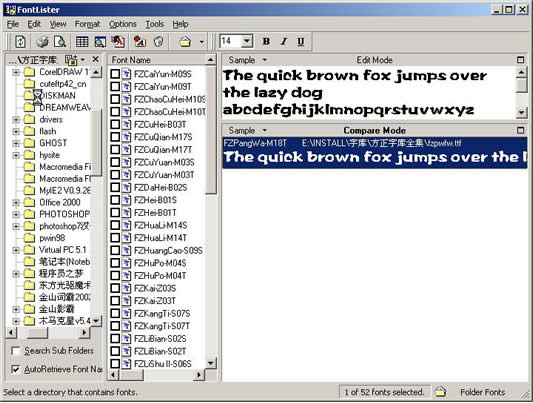
「控制台」→「字型」視窗缺少「安裝新字型」選項;直接複製字型檔到 C:\Windows\Fonts 後,Flash/Word 仍不顯示。
C:\Windows\Fonts
folder.htt
desktop.ini
Fonts
attrib +s +r fonts
C:\Windows\System\Fontext.dll
Windows XP 系統死鎖與資源管理器崩潰自動重啟設定技巧
Windows XP下卸载IE8完全指南:五种方法从“更新程序”到spuninst.exe强制回滚IE7
Vista 邊欄「天氣」小工具無法顯示?將區域設定改為美國即可啟用
XP 裝完即瘦身:刪驅動備份、清暫存、除系統備份、移除輸入法四步驟回收 300MB+
USB 金鑰開機鎖:插入專屬隨身碟才能啟動電腦,否則自動關機
Windows XP 鎖定電腦 3 種模式完整比較與 Win+L 通用快捷鍵
WinXP 開啟網頁提示「發生執行階段錯誤」?關閉指令碼偵錯即可
XP 啟用 Computer Browser 服務:解決網路芳鄰無法瀏覽