Windows Vista 整合於 Home Premium 與 Ultimate 版的媒體中心,較 XP Media Center Edition 2005 大幅改進介面與易用性。新版採用垂直「條塊」與水平「功能子項」結合的選單設計,操作更直觀。微軟並提供擴充機制,讓使用者自訂頂層條塊與子項。
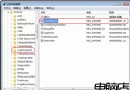
guidgen.exe 產生),假設檔名為 CustomApp.xml。%windir%\ehome\registermceapp.exe CustomApp.xmlHKEY_LOCAL_MACHINE\Software\Microsoft\Windows\CurrentVersion\Media Center\Start Menu\Applications,新增以 GUID 命名的主鍵,並建立以下字串值:Category(應用分類)、OnStartMenu(設為 "true")、Title(顯示標題)。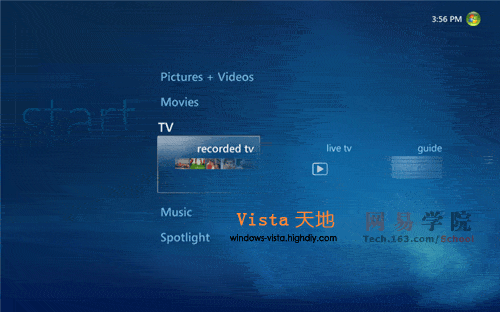
預設項目(Movies、Music 等)無法刪除,僅能移除自行新增的內容:
%windir%\ehome\registermceapp.exe /u CustomApp.xml{GUID} 主鍵,或直接刪除整個 Applications 鍵值以清除所有自訂項目。