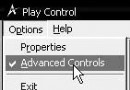
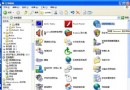
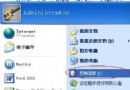
想看隱藏檔、或真正隱藏私人資料?三種顯示隱藏檔方法與一招資料夾鎖定技巧:
attrib -s -r -a -h d:/*.*
dir
cacls d:\sky /p administrator:N
N
F
善用 NTFS 權限,無需額外軟體即可保護隱私資料。
調整快取與監控記憶體 加速電腦運行的兩大關鍵
桌面圖示陰影怎麼關?系統設定與註冊表雙管道教學 (Win7/XP 通用)
Windows 開機模式完整解析:8 種模式適用場景與進入方法
電腦記憶體不足怎麼辦?九大原因與解決方案完整攻略
Android 平板 CPU 超頻實戰:SetCPU 與 Widget 雙軌並行
隨身碟/移動硬碟檔案誤刪怎麼辦?快盤雲端回收站功能救援
輸入法不見了?3 招 30 秒找回語言列 (含 Win10/11 新介面)
記事本 不只是記事本:隱藏功能與高效操作全攻略