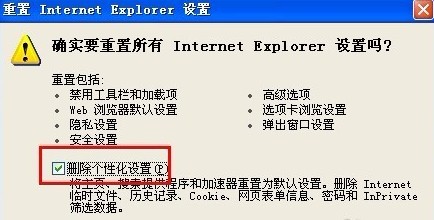
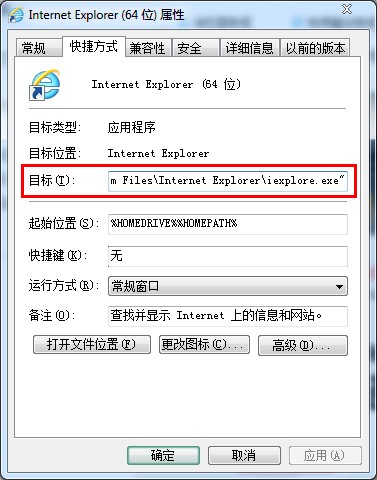
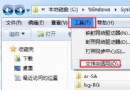
IE 開啟非預設首頁,通常是捷徑被掛網址或軟體安裝時偷換。修復方法:
即可恢復乾淨首頁。
常被誤判為病毒的 4 類檔案:Thumbs.db、Mfm1992、Word 暫存、jdbgmgr.exe
IE 瀏覽器頻繁彈出「已停止運作」?關閉第三方擴充與自動崩潰修復即刻解決
USB隨身碟傳輸速度慢?核心在「主控晶片」與「Flash 顆粒」兩大硬體基因
Windows 內建功能不全是精華:這兩項「雞肋」早該砍掉了
IE 瀏覽器修復大全:四大常見故障與對應解決方案
硬碟故障五大徵兆:S.M.A.R.T. 警告、BIOS 辨識異常、掃描卡住、壞軌、開機死機
DirectX 安裝提示「無法信任壓縮檔」?刪除 WebSetup 快取徹底解決
不想掃碼怎麼登入微信電腦版?用 Android 模擬器輸入帳密即可