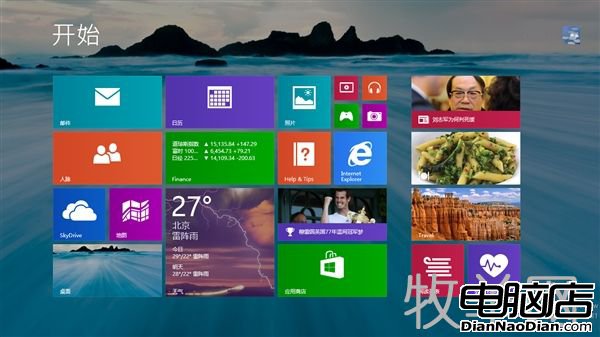
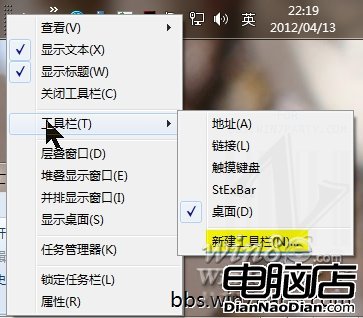
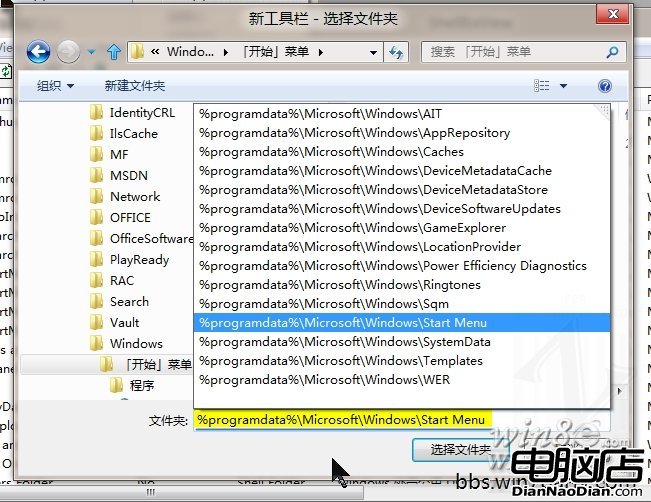
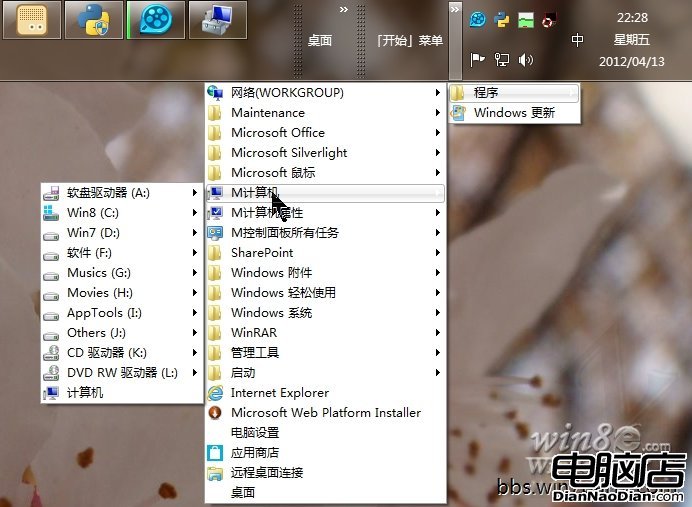
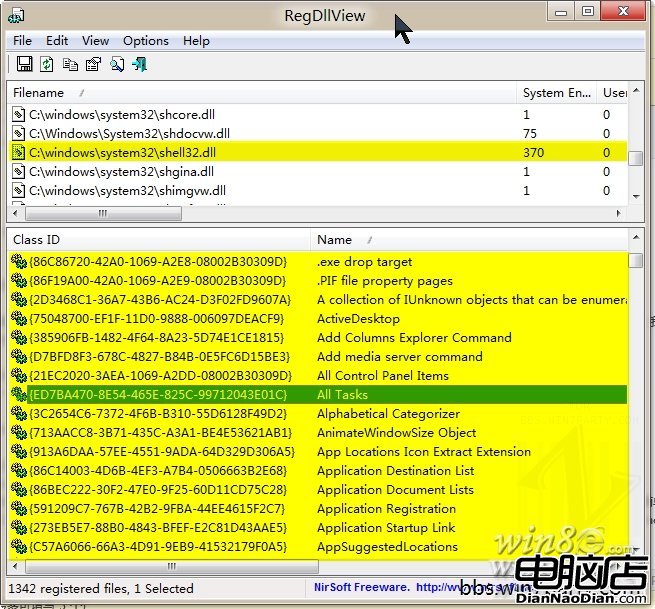
Windows 8 移除開始按鈕但保留開始選單資料夾結構。利用任務列「新增工具列」功能,指向 %ProgramData%\Microsoft\Windows\Start Menu 即可建立傳統開始選單。進階技巧:在該資料夾建立特殊命名資料夾(如 計算機.{20D04FE0-3AEA-1069-A2D8-08002B30309D}),透過 CLSID 賦予系統功能捷徑,可自訂加入控制台、計算機等常用項目。
微軟推送 IE11 升級通知給 Win7 用戶:1/12 起停止舊版 IE 支援,僅維護 IE11
微軟研究院新專案 IllumiRoom:投影擴展遊戲體驗至全客廳
WP8 版微信 5.2 內測版更新:面對面建群、語音轉文字、三欄主界面、發語音倒計時、基礎 Bug 修復
Windows 8 無法安裝騰訊 QQ 解決辦法:任務管理器進程名衝突
諾基亞 Lumia 800 爆音訊/相機設定問題,官方承諾推出系列韌體更新修復
英特爾測試:多核心處理器對 Android 不利,執行緒調度未就緒反拖累效能