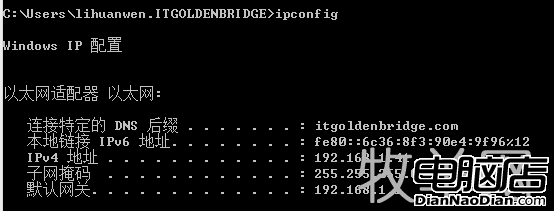
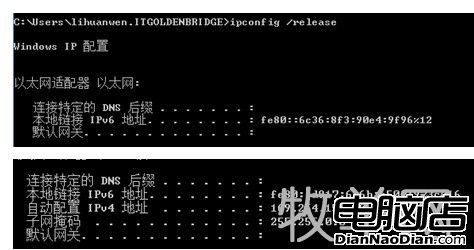
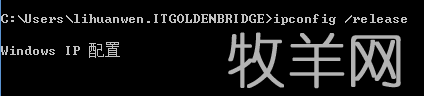
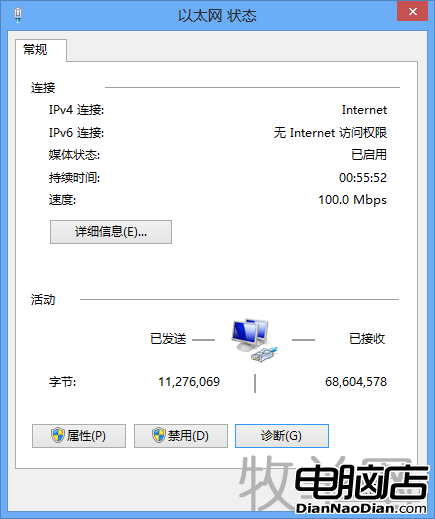
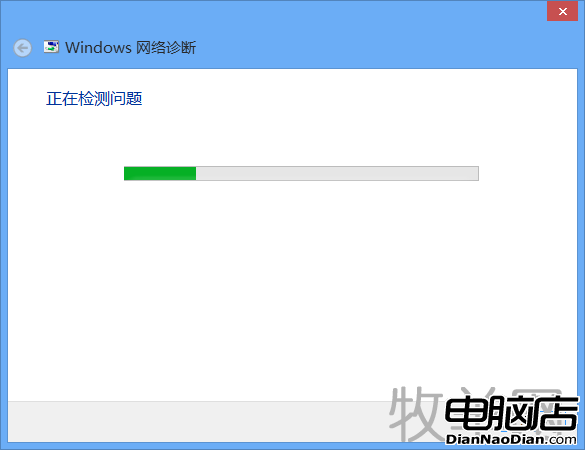
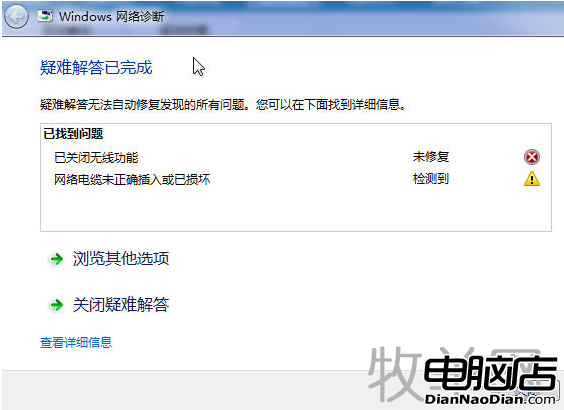
Windows 8 常見網路受限/無法連線排查步驟:1. 檢查網線插妥、指示燈閃爍;2. CMD 輸入 ipconfig /all 檢查 IP,異常時用 ipconfig /release 釋放、ipconfig /renew 重取 DHCP IP;3. 使用「Windows 網路診斷」自動偵測修復;4. ADSL 撥號 (PPPoE) 需確保本地連線 IP 與 Modem 同網段 (如 192.168.0.x);5. 更新網卡驅動、掃毒木馬(360 斷網急救箱等);6. 聯繫網通業者確認帳號/欠費/錯誤代碼 (651、678、691 等)。完整圖文教學助你快速排除網路故障。



微軟 Skype 新功能預告:支援 Win10 高 DPI 顯示,4K 解析度文字清銳不模糊
Win8.1 版 OneNote 更新:新增 OneDrive 同步、紙張格式、快速定位筆記
Win10 Build 9901 Cortana 外觀與功能大幅進化:支援 Hey Cortana、筆記本全攜帶
微軟 Surface Pro 評測:通風條不影響美觀、主流超極本配置、64GB 版可用空間僅 23GB
微軟承認 12 月安全補丁 KB2753842 導致字體失效,正在調查修復
Windows 10 Build 14388 推送:PC/手機雙平台修復為主,迎接周年更新