IE10/IE11 Flash 問題多源於安全權限與系統設定。六大修復方案:
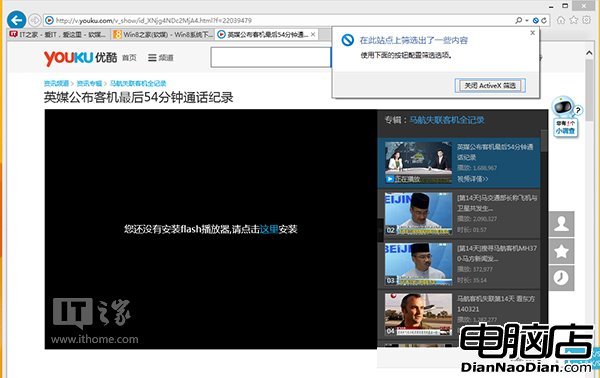
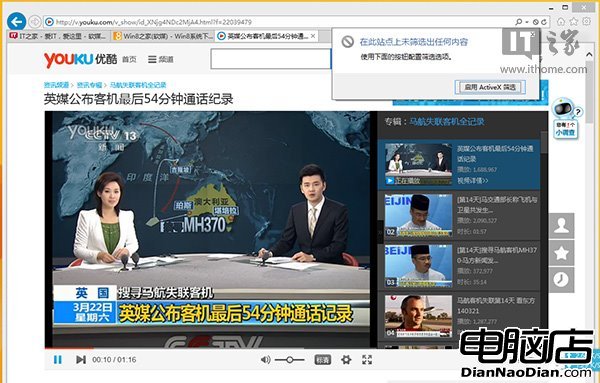
- 關閉 ActiveX 篩選:IE 地址列右側藍色禁止標誌即為開啟狀態,關閉即恢復。
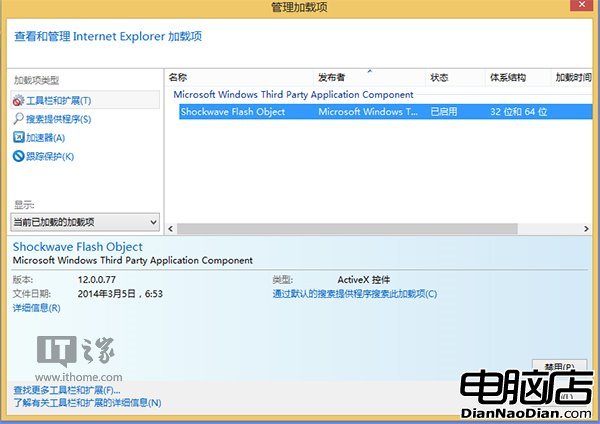
- 啟用 Flash Player 增益集:管理增益集 → 工具列與擴充功能 → 啟用 Shockwave Flash Object。
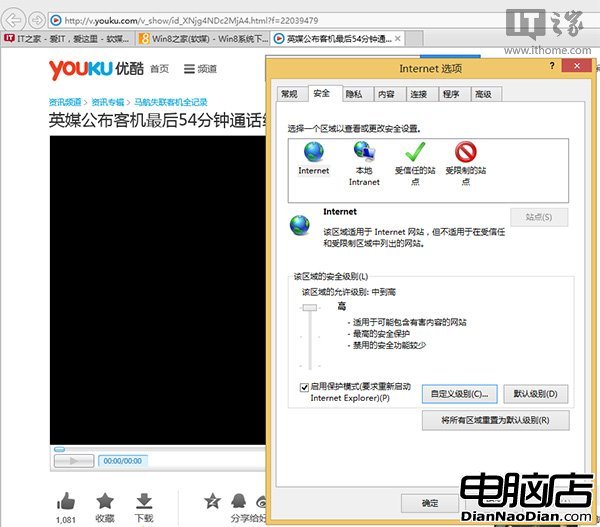
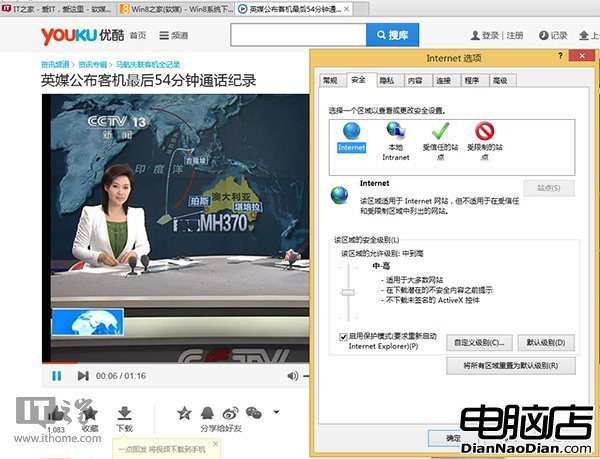
- 降低區域安全等級:Internet 選項 → 安全 → 將等級調至預設「中-高」,過高會阻擋 Flash。
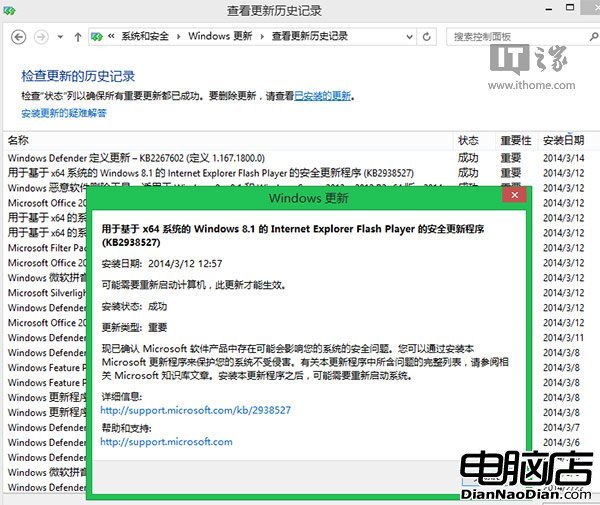
- 重新安裝 IE 版 Flash:Windows Update 每月推送最新版,或手動下載離線安裝包。
- 查閱更新歷史:控制台 → Windows Update → 檢視更新歷史,確認 Flash 更新狀態。
- 重置 IE 瀏覽器:Internet 選項 → 進階 → 重置(可勾選刪除個人設定)。
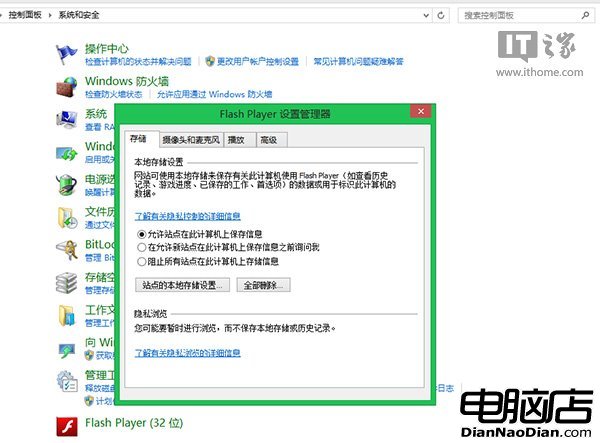
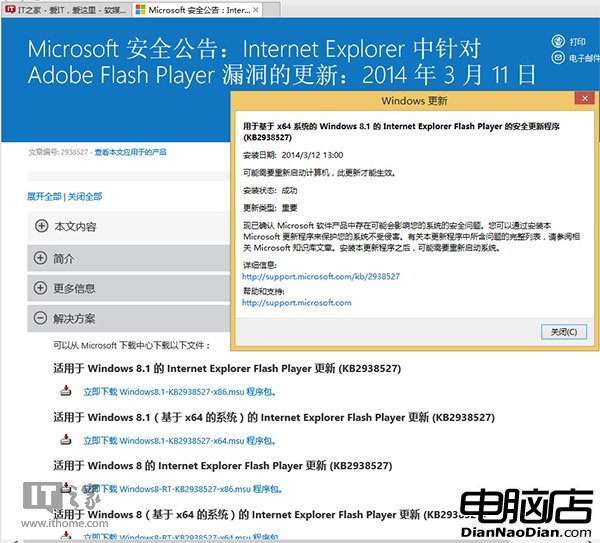
Adobe 官方修復方案同步參考,徹底解決 Flash 無法播放困擾。