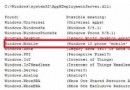
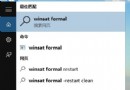
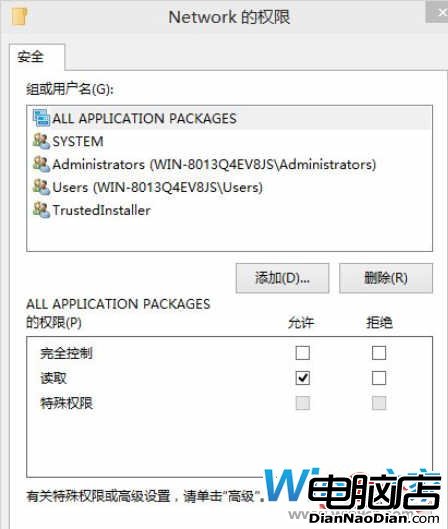
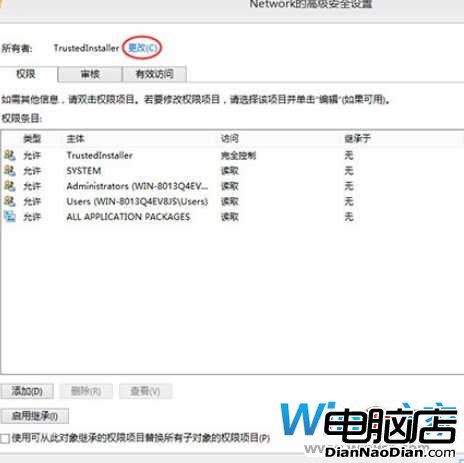
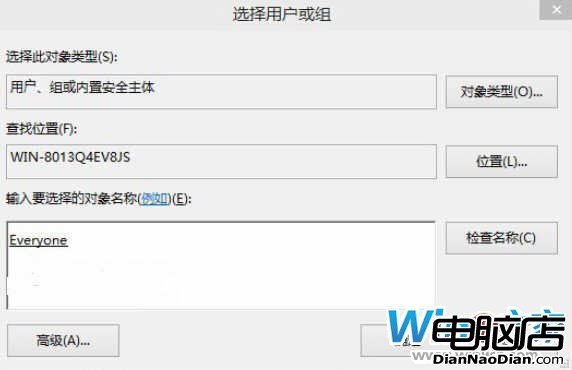
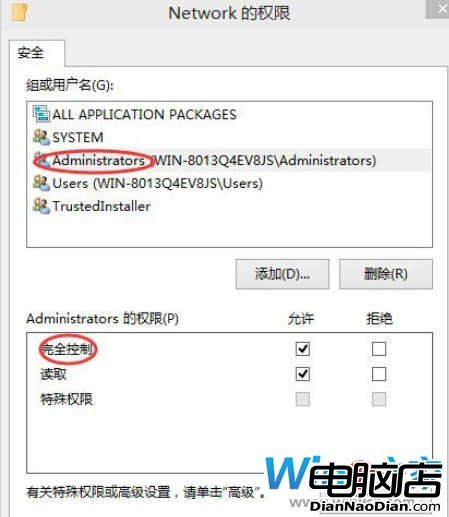
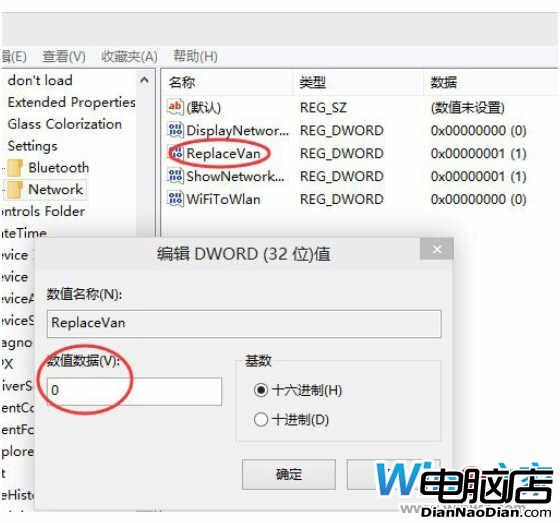
在開始選單模式下找回 Win8.1 網路列表(開始螢幕模式無需修改)。註冊表操作(先備份):
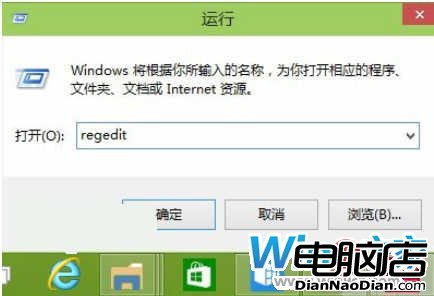
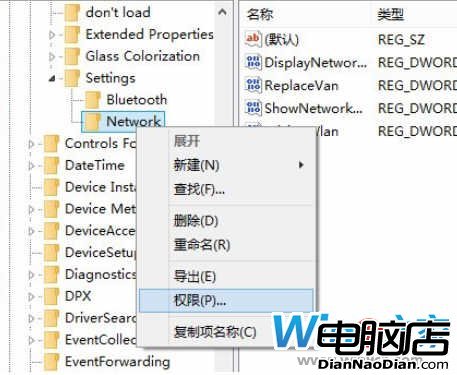
HKEY_LOCAL_MACHINE\Software\Microsoft\Windows\CurrentVersion\Control Panel\Settings\NetworkReplaceVan 值從 1 改 0關閉註冊表,Win8.1 網路列表即可從右側滑出。

微軟Edge瀏覽器即將支援直接打開相關應用,無需開啟網站鏈接
讓 Win10 找回 Win7 Aero 毛玻璃、桌面小工具:Missed Features Installer 10 一鍵恢復懷舊功能
Linux 成設計範本?Mac OS X 與 Win9 概念圖驚人相似 GNOME 風格
Windows 10 Build 9926 全新 Windows 應用商店體驗
微軟規劃小尺寸廉價 Windows 8 平板,6 月底見樣機
IDC報告:僅36%開發者對Windows Phone感興趣 遠低於iOS/Android