Win10 內建 WinRE (Windows Recovery Environment) 是最強原生急救包,支援:系統還原、映像恢復、啟動修復、保留檔案重置、完全重裝、卸載導致崩潰的更新。預裝於系統分區前隱藏分區。
三種進入 WinRE
- Shift + 點擊「重新啟動」
- 開機連點 F8
- 無法啟動時自動彈出「恢復」介面


案例一:卸載問題更新
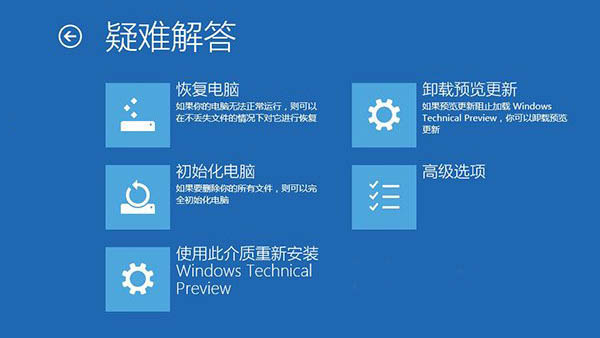
- WinRE → 「疑難解答」 → 「卸載預覽更新」移除所有近期補丁。
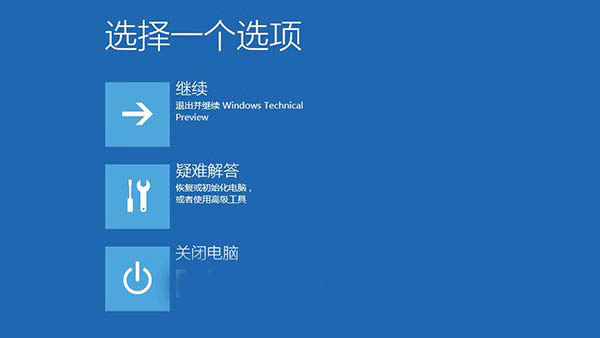

案例二:安裝媒體重裝 Win10
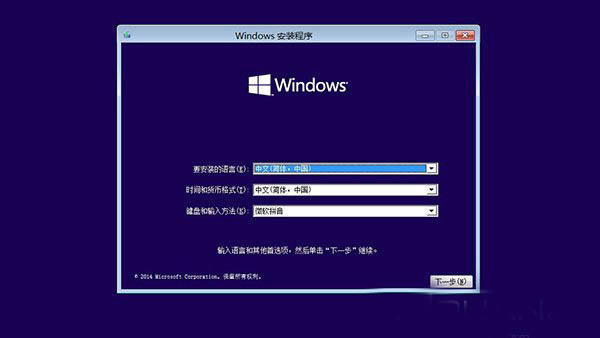
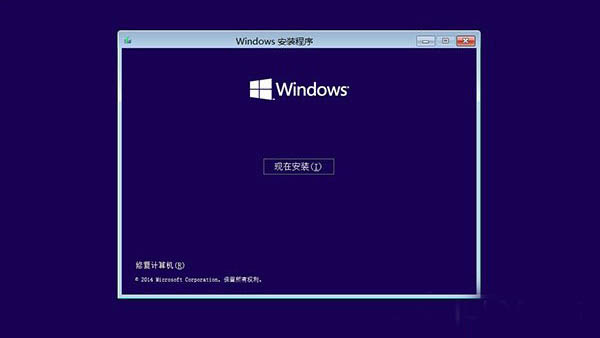
- USB/光碟啟動 → 「下一步」 → 「修復電腦」。
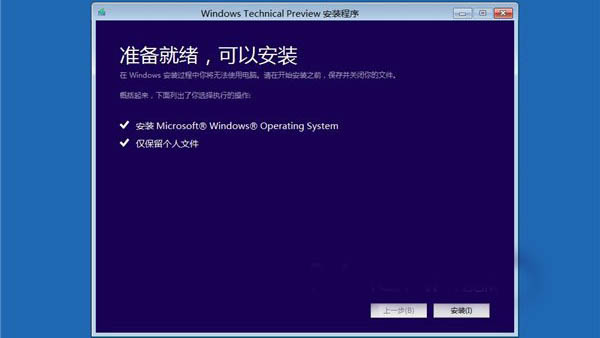
- 「疑難解答」 → 出現「使用此媒體重新安裝 Windows Technical Preview」 → 安裝。

WinRE 讓修復、重裝不再需要第三方 PE,新手也能輕鬆搞定。