hosts 檔案將域名對應 IP,常被惡意程式竄改導致無法訪問正常網站,也常被安全軟體(如 360)誤判為風險而修改/刪除。本文說明如何從 360 恢復區還原 hosts 檔案。
但正常工作需修改 hosts 時,卻常被 360 誤攔截,需手動還原。
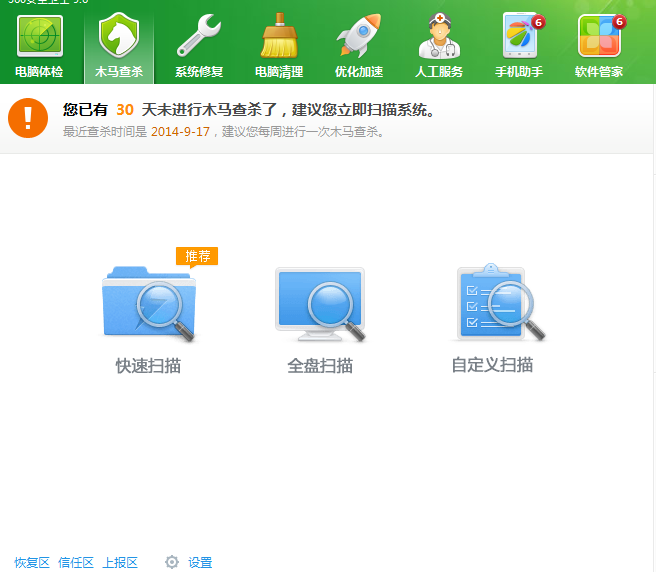
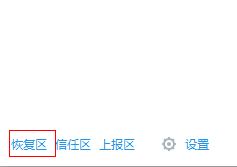
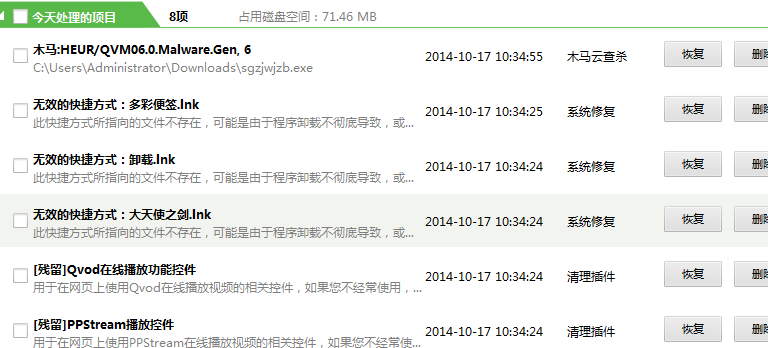
恢復區記錄所有被隔離/修改的檔案,一鍵即可找回原始 hosts,避免因誤判影響正常業務。
WinXP 開機畫面出現粉紅色隨後恢復正常?兩大成因:訊號線接觸不良與顯卡驅動/BIOS 問題
Win7 禁用 USB 隨身碟三大法:群組原則禁止可移動裝置、大勢至 USB 管理軟體精細管控讀寫方向與密碼保護
Windows 10 仍需改進的 7 大痛點:檔案總管缺分頁、設定與控制台分裂、開始選單客製化不足...
Windows 8 IE11 降級為 IE10 完整教學:控制台 → Windows Update → 解除安裝 IE11 更新項目
Win8.1 選 32 位還是 64 位?核心差異、記憶體支援、效能對比、選購建議完整分析
Windows 8.1 14 個隱藏實用功能盤點:Metro/桌面混合、快速鍵、重裝、同步、隱藏開始選單、檔案歷程記錄等