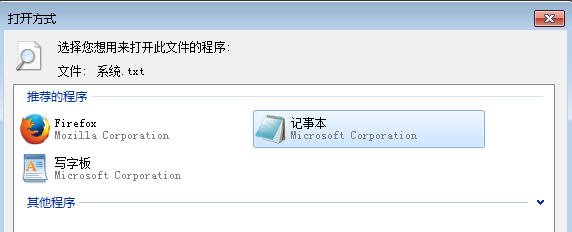
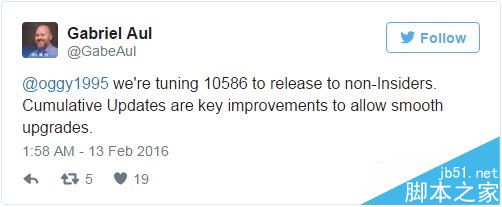
Win10 全新安裝後桌面僅有回收站,透過個人化設定可顯示常用系統圖示。
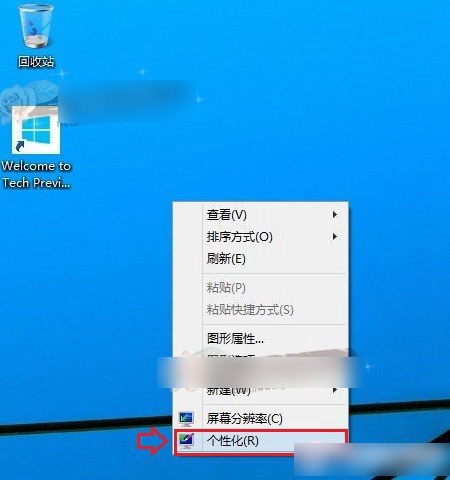
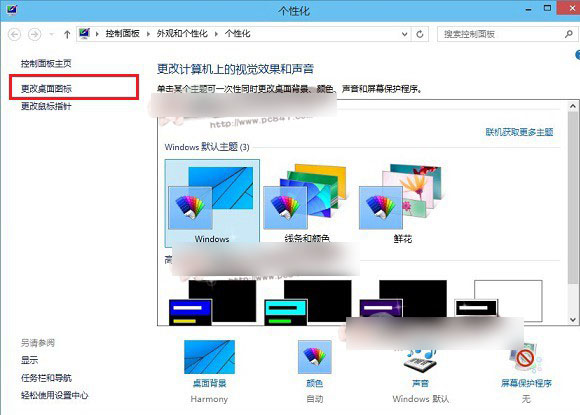
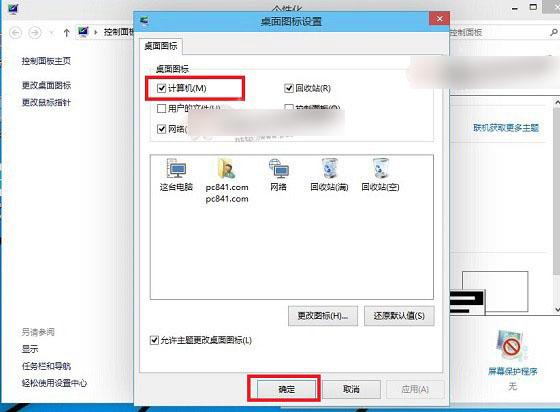
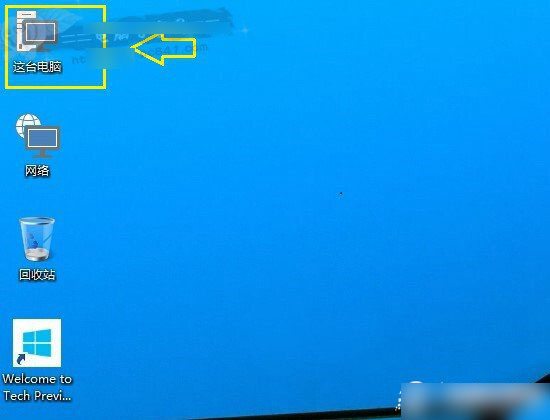
圖示風格已全面現代化,更符合 Win10 視覺語言。
Win8 強制啟用經典「開始」選單:群組原則開啟「強制經典開始選單」
Windows 8 內建截圖神鍵:Win+PrtSc 自動存檔不求人
Win10 Mobile 週年更新 14393.5 手機實機截圖洩露:機型為 Lumia 532 (1GB RAM)
Win10 RedStone 14271 簡體中文專業版 64位 ISO 鏡像下載 (官方 ESD 轉製、含 SHA1 校驗)
Win10 Build 15002新功能全景:分辨率調節入口前移、標籤預覽、綠屏死機、原生截圖等12大亮點
系統變慢、C 盤空間不足?批次檔清理暫存檔 + 專業清理工具 + 軟體遷移非系統盤