新舊版 Windows 並存啟動故障頻發。本文深入解析 XP/2003 (NTLDR+BOOT.INI) 與 Vista/2008 (Bootmgr+BCD) 的啟動架構差異,並以 C 槽裝 2003、D 槽裝 2008 為例,示範重裝 2003 導致 2008 無法啟動的完整修復流程。
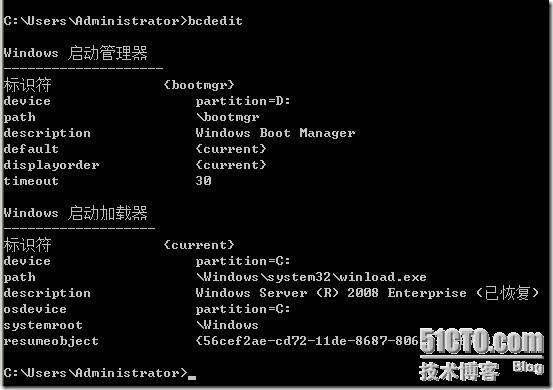
BCD 取代 BOOT.INI,儲存在作用分區 \Boot\BCD,需用 bcdedit.exe 或 WMI 修改。
重裝 C 槽 2003 會覆寫 PBR、Bootmgr、BCD,導致 D 槽 2008 無法啟動。
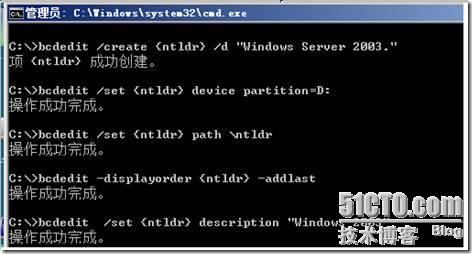
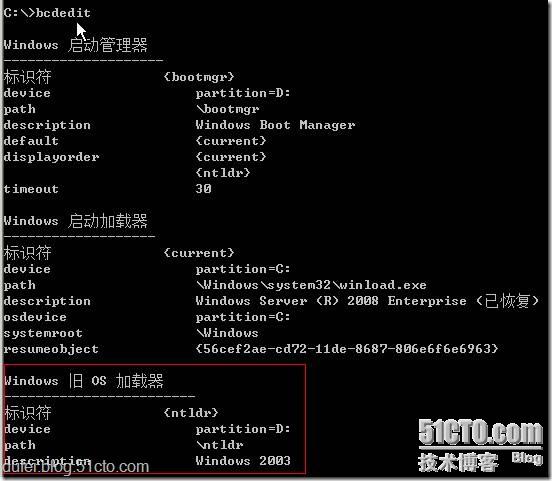
bootmgr、Boot\BCD 等檔案至系統分區。bootsect.exe /nt60 SYS 更新 PBR。此時 2003 仍無法啟動(BCD 缺 2003 項),在 2008 下用 bcdedit 加入:
bcdedit /create {ntldr} /d "Windows Server 2003"
bcdedit /set {ntldr} device partition=D:
bcdedit /set {ntldr} path \ntldr
bcdedit /displayorder {ntldr} -addlast
bcdedit /set {ntldr} description "Windows 2003"
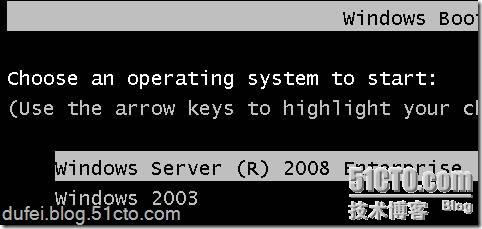
重啟即見雙啟動選單。
雙擊執行 → 自動重建 bootmgr、BCD、PBR → 重啟 → 完成。適合無光碟環境。
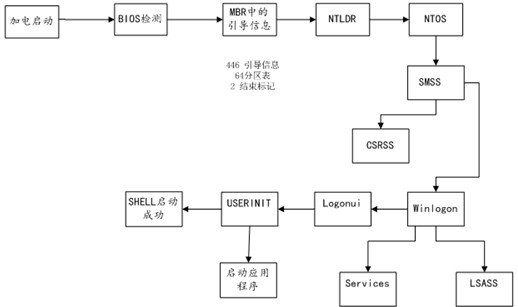
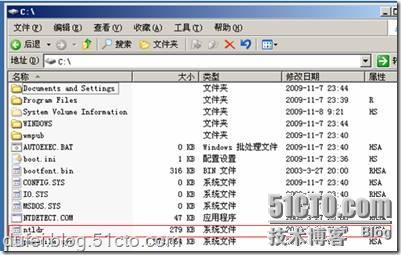
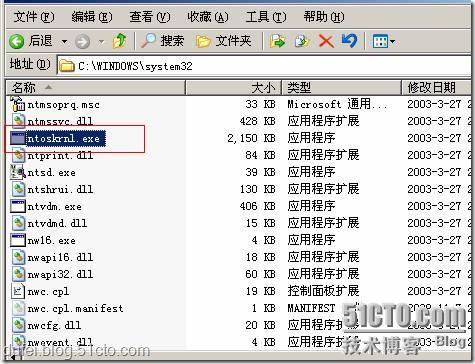
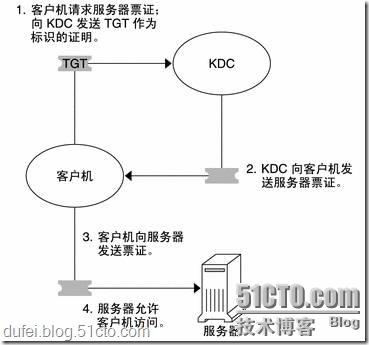
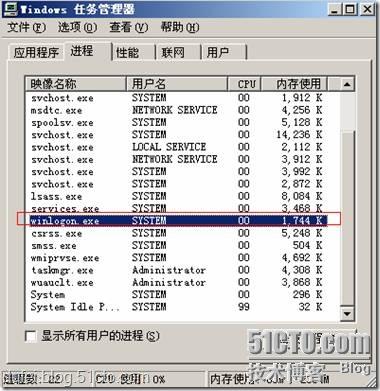

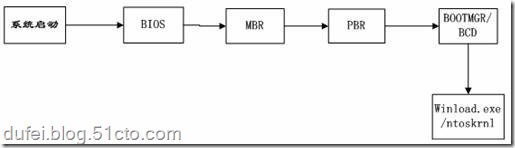
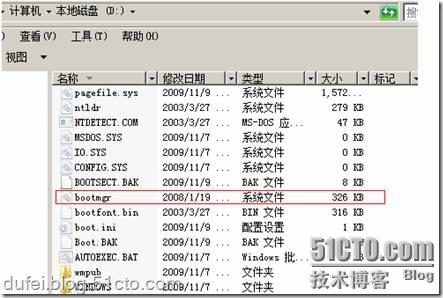
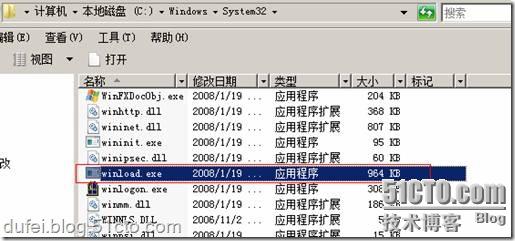
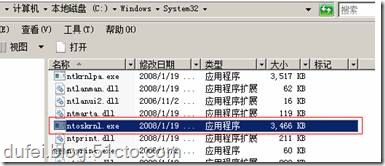
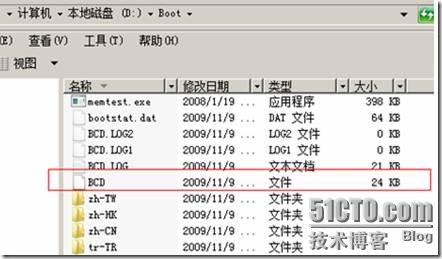
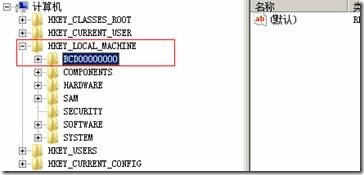
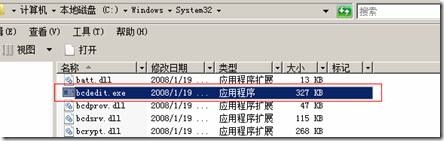
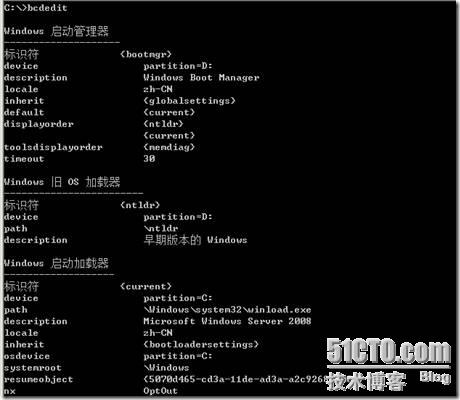
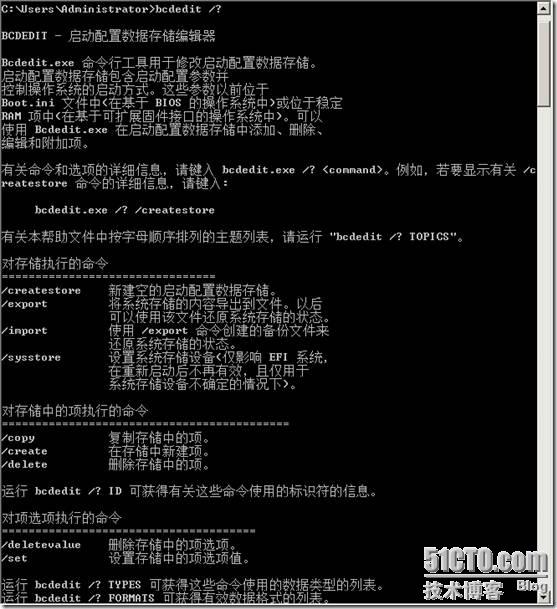
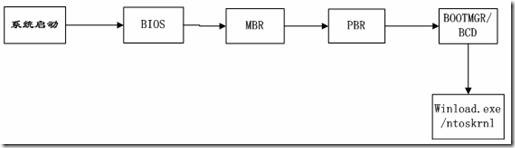
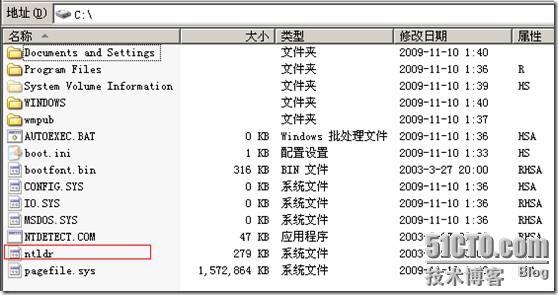
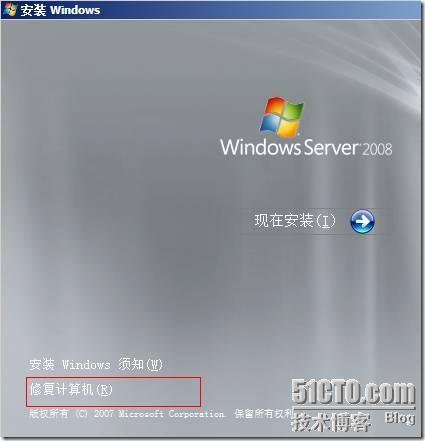
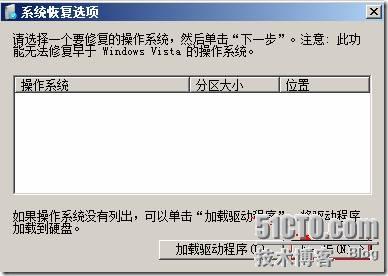
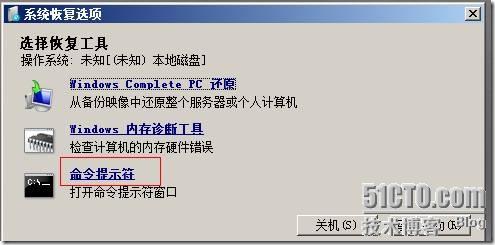
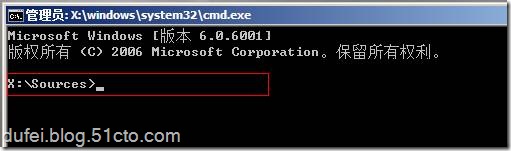
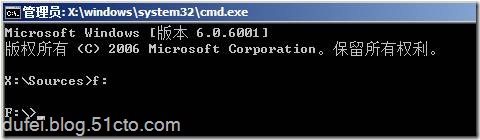
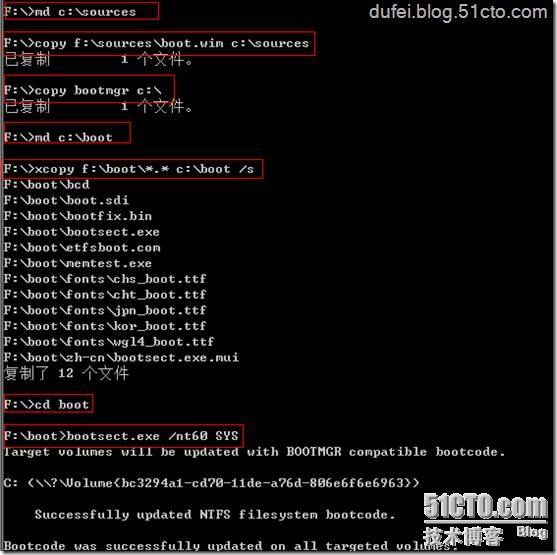
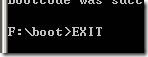
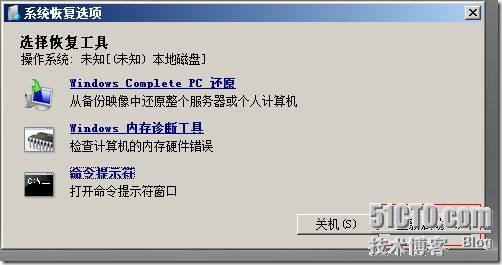
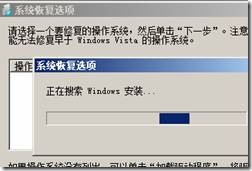
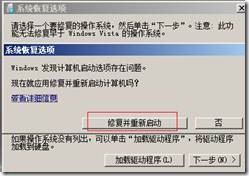
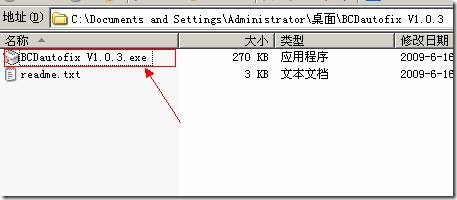
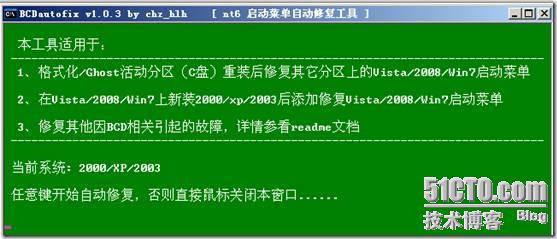
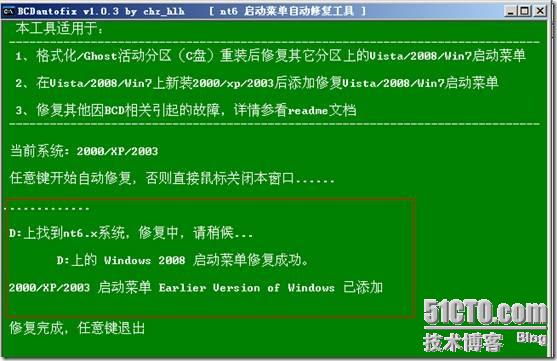
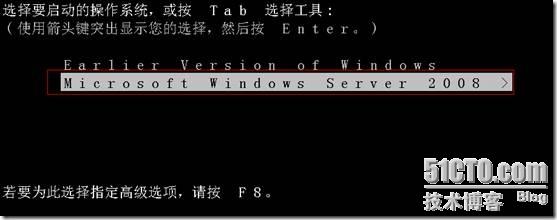
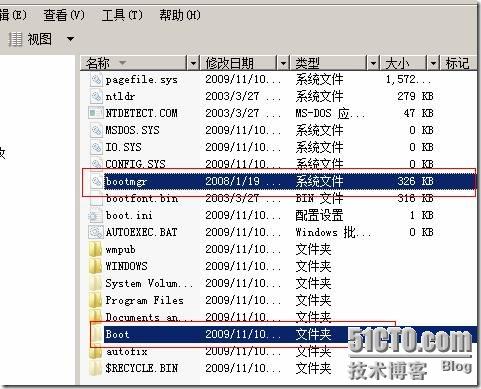
完整流程圖文並茂,為雙系統維護必讀經典。
Windows 10 Mobile USB OTG 功能示範:手機讀取隨身碟、控制 Arduino 開發板
Windows 10 觸控板手勢操作完整指南:六大常用功能一覽
Win7 卸載軟體提示權限不足?以管理員身分執行卸載程式解決
Win10 提示 mfc100u.dll 載入失敗?QQ 電腦管家「電腦診所」一鍵修復缺失 DLL
Windows 10 升級 10041 失敗錯誤 0x80070103/8024a000 完整解決方案
Win7 家庭版、專業版、旗艦版差異比較,六大版本功能一次看懂