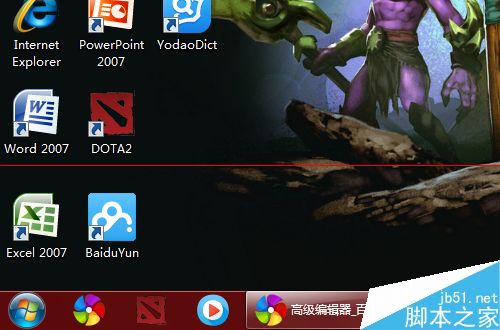
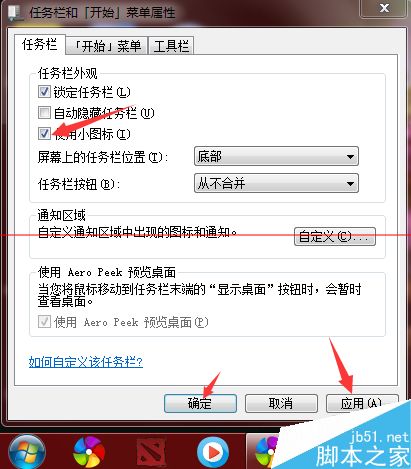
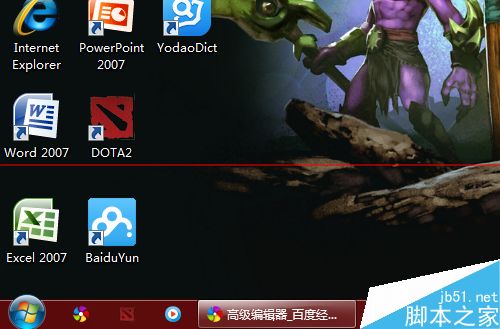
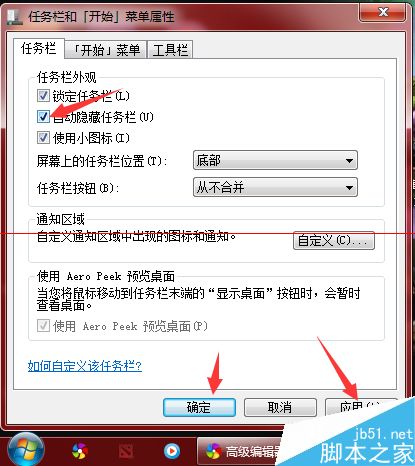
Win7 預設任務列較寬,小螢幕筆電顯得擁擠。可調整為小圖示或啟用自動隱藏,騰出寶貴螢幕空間。
遊戲視窗化模式下自動隱藏任務列可避免誤觸,體驗更佳。
Win8 外接螢幕/投影機切換顯示模式:Win+P 四種模式完整說明
Win7 查看與刪除隱藏帳號圖文教學:透過 net localgroup 指令揭露 $ 尾碼帳號
Win 10 用戶遭遇動作中心 Bug:未讀通知自動消失,超過 3000 人回報官方尚未回應
Win8.1 關閉「位置設定」保護隱私 防止 GPS 與位置資訊傳送至 Microsoft
Win8.1 一鍵進入休眠模式捷徑建立教學:rundll32 指令法
Win8 應用程式商店缺少自動更新選項?兩招快速修復教學
Windows 10 什麼時候上市?2015 年下半年正式推出,Build 大會發布消費者功能
Win10 Mobile 預覽版評測影片:Joe Belfiore 示範核心新功能 (同 75377 內容)