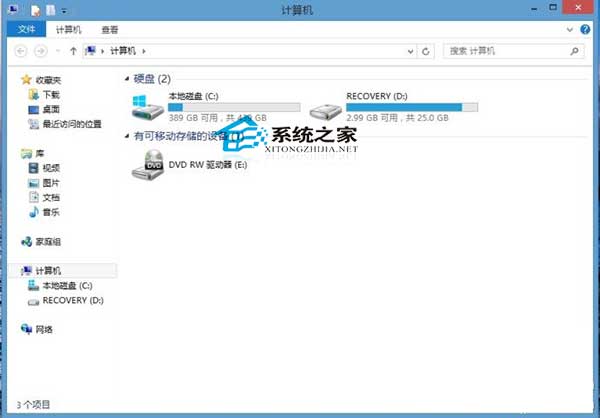
Win8 重開機後 D:\ 提示「磁碟損壞無法讀取」,可能因非正常關機導致檔案系統錯誤。三種修復方案:
chkdsk v2.1
chkdsk D: /f /r
若修復無效 → 系統還原/重裝 → 送修檢測硬體故障。建議平時養成備份習慣。
Win10 無法拖曳檔案?群組原則「禁止拖放」設為「已停用」即可恢復
Windows 7 如何設定待機/睡眠時間?自訂電源計劃完整教學
Win8.1 開機螢幕閃爍或黑屏延遲進入桌面?登錄表刪除 LogPixels 鍵值解決
Win7 內建截圖工具設定熱鍵:告別 QQ 截圖,原生更高效
Win10 Fall Update (TH2) 11 月推出:Edge 仍無擴充功能,但可用 Win7/8.1 金鑰直接啟動
Win10 內建 Administrator 帳號被停用且無其他帳號?用 PE 替換 sethc.exe 破解重啟
Win10 桌面版 Cortana 小娜發送簡訊功能演示影片
三星筆記本 910S3K-K03 USB 安裝 Win7 系統圖文教程