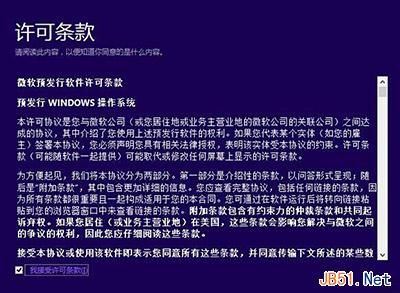
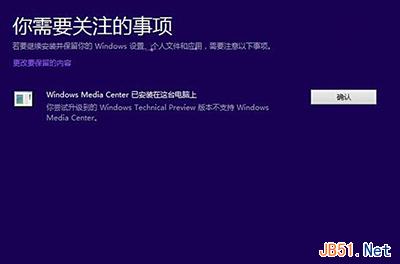
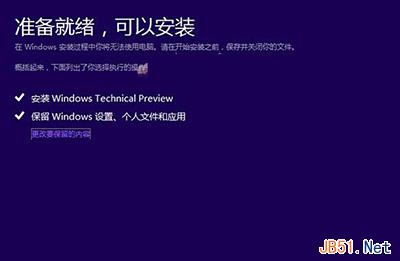
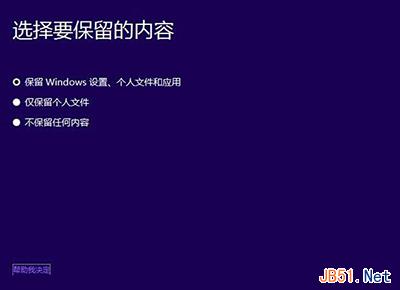
Windows 8 升級 Windows 10 步驟:
流程簡單,靜待完成即可體驗新系統。
Windows 10 激活狀態查詢指令大全:slmgr.vbs 參數詳細說明
Win10 安裝失敗缺少 boot.wim?複製 $Windows.~BT 到其他分區執行 setupre.exe
Windows 8 IE 瀏覽器查看歷史記錄兩種方法
升級 Win10 正式版後續航變差、發熱嚴重?一招關閉背景應用立即改善
Win10 RS1 預覽版 14267 自製中文 ISO 系統鏡像下載(64 位)百度網盤
Win8 升級 Win8.1 出現錯誤代碼 0x80244021 的五種解決方案
新裝 Win7 看影片模糊不清?三大成因與對應解法
Windows 10 Build 10074 已知 Bug 總整理:開發者模式無法開啟、遊戲全螢幕失效、通訊錄持續當機