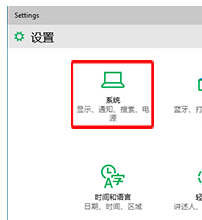
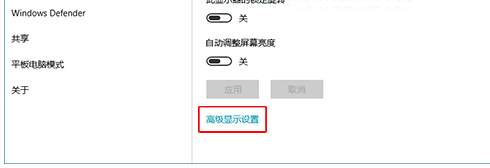
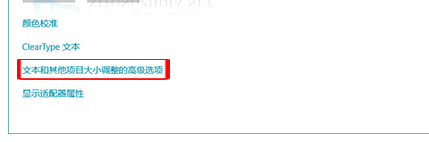
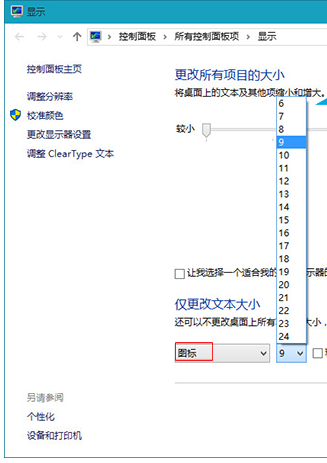
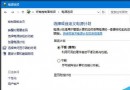
誤觸設定導致桌面圖示文字暴大?Win10提供精準調整入口:
捷徑:控制台「大圖示」檢視 > 直接點選「顯示」跳至第4步。比 Ctrl+滾輪 縮放圖示更精準控制字體大小。
Win8無法安裝.NET 3.5?同ID 75962/75967 DISM離線安裝標準流程(精簡版)
Win10 Mobile 預覽版互動式通知示範影片:Facebook 應用支援回覆、點讚、靜音
Windows 10 紅石 2 預覽版 14900.1002 升級截圖曝光
Windows 開機自動在背景啟動 VirtualBox 虛擬機器:批次檔設定教學
Windows 10 正式版推送 NVIDIA 顯示卡驅動 353.54 版本,僅透過 Windows Update 取得
Win7 英文版如何改回中文介面?圖文教學
Windows 10 Build 9888 確認可升級至消費者預覽版:內部測試人員與洩漏版用戶同享資格
Win7 用 Media Player 撥放 MP4 只有聲音沒畫面?裝「完美解碼」一鍵搞定