Windows XP Windows 7 Windows 2003 Windows Vista Windows 綜合教學 Linux 系統教學
Windows 10 Windows 8 Windows 2008 Windows NT Windows Server 電腦軟體教學
您现在的位置: Windows教程網 >> Windows教程 >  >> Windows 綜合教學 >> 關於 Windows

WinXP 無法安裝 .NET Framework 解決法:停止 WuAuServ、重命名 SoftwareDistribution、註冊表權限全控

編輯:關於 Windows

XP 安裝 .NET 失敗,修復步驟:

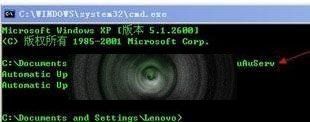
  1. Win+R → cmd → net stop WuAuServ。
  2. Win+R → %windir% → 將 SoftwareDistribution 重命名為 SoftOld。
  3. Win+R → cmd → net start WuAuServ。
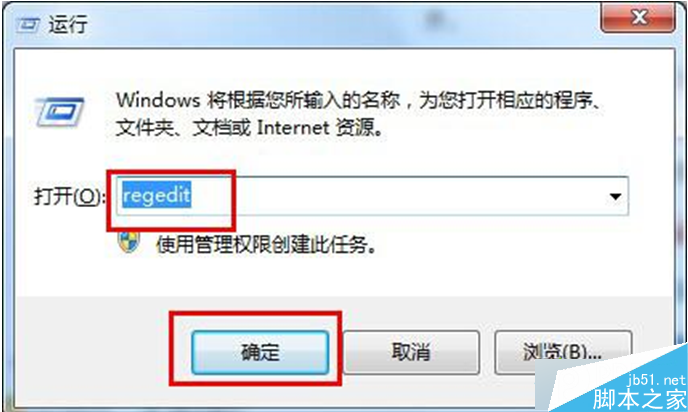
  4. Win+R → regedit → 定位 HKEY_LOCAL_MACHINE\SOFTWARE\Microsoft\Internet Explorer → 權限 → Everyone 允許「完全控制」 → 確定。
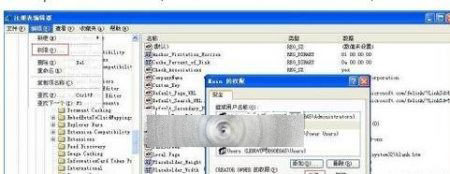
重置 Windows Update 元件與 IE 註冊表權限,通常可解決 .NET 安裝失敗。


Copyright © Windows教程網 All Rights Reserved