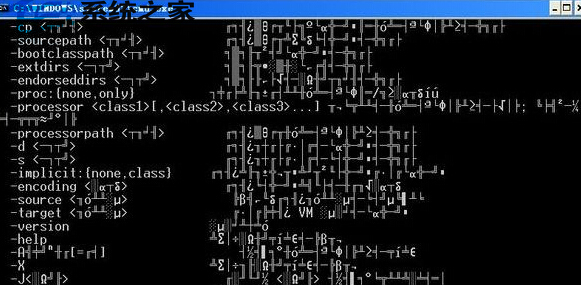
Win7 開機出現亂碼屬常見問題,通常因語言設定錯誤。解決方法:
regedit
HKEY_LOCAL_MACHINE\SYSTEM\CurrentControlSet\Control\Nls\Language
0804
三步驟即可修復開機亂碼,遇同樣問題者可嘗試。
Win10 周年更新累積補丁 KB3176929 內容彙總:Build 14393 → 14393.10 七大修復項目
Windows 7 螢幕旋轉:快速切換顯示方向的鍵盤與滑鼠操作
Win8 360 免費 WiFi 連得上但上不了網?確認寬帶連線共用設定
Win10 專業版如何升級企業版?圖文步驟完整記錄
修復 Win8.1 Metro 應用無法開啟:DISM 掃描修復映像、sfc/scannow 修復系統檔案
微軟官方說明:Windows 10 預覽版如何轉正?家用/專業版綁定 MSA 自動升級,企業版需 VLSC 授權
Win10 Mobile 週年更新 14393.321 即將推送:大規模 Bug 修復
Windows 8.1 關閉 Windows Defender 教學:群組原則一鍵停用內建防毒