作者實測預約流程:Win7 旗艦版收到通知,Home 版未收到(可能分批推送)。
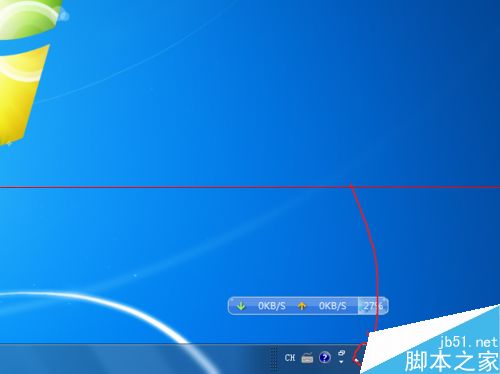
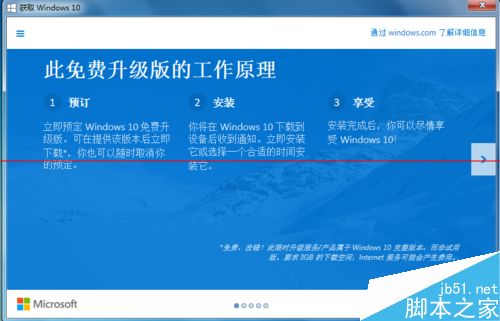
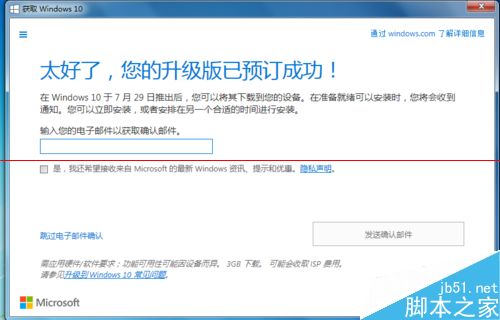
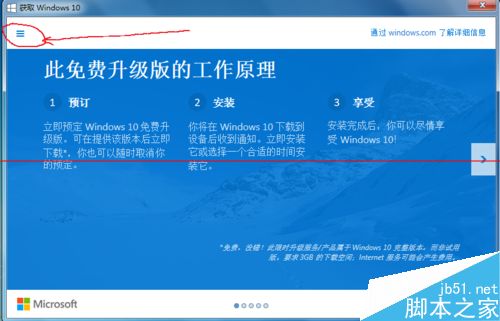
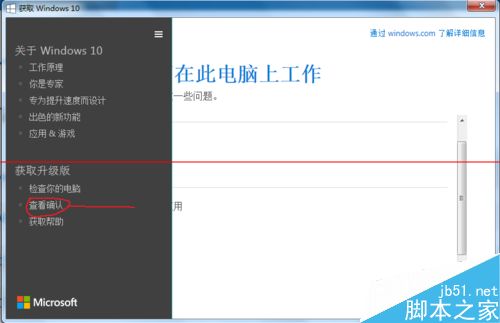
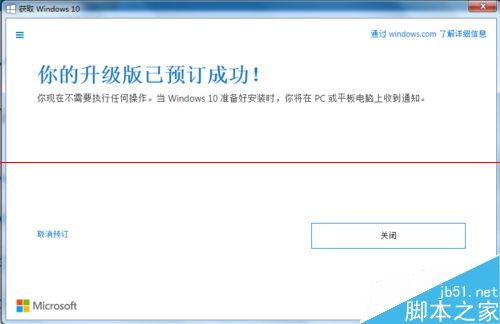
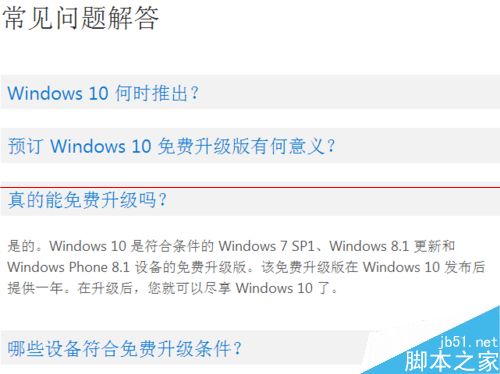
升級版為 Home 或 Pro 視當前版本而定,未知是否可安裝至其他機器,拭目以待。
Windows Server 2003 IIS 新增 FLV MIME 類型支援線上影片播放
Win10 正式版官方原版 ISO 鏡像下載大全:家用版/專業版/企業版/教育版 32/64位 元、SHA1 驗證、百度網盤/ED2K 鏈接
Win10 系統做成開機安裝光碟:UltraISO 刻錄 ISO 映像檔完整圖文步驟
Win10 Mobile Build 14269 截圖曝光:脫胎換骨,速度飆升
Windows 10 Build 10130 更新釋出:修復 Outlook Mail 同步與 Wi-Fi 連線問題
Win10 Mobile 10572 未公開更新匯總:VPN 快捷移除、引導文字簡化、完整帳號管理、訊息同步開關、透明度邏輯反轉