Windows 10 內建「鬧鐘與時鐘」應用,可設定多組鬧鐘提醒,避免沉迷電腦錯過行程。以下為詳細操作步驟。
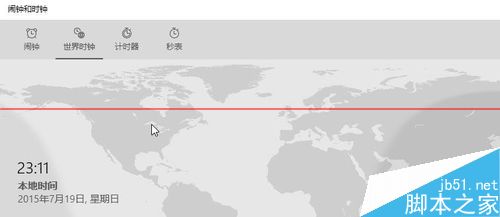
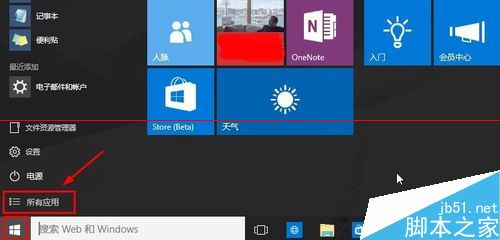
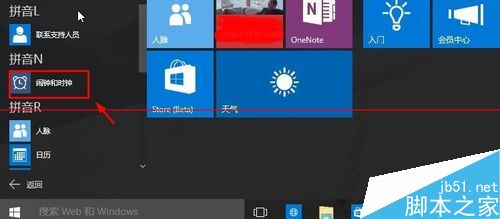
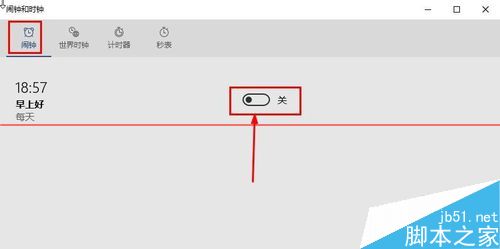
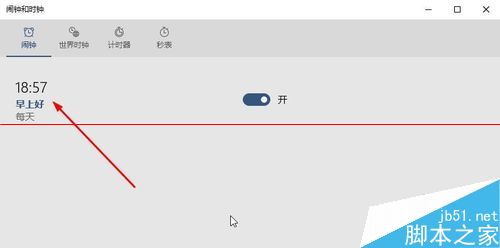
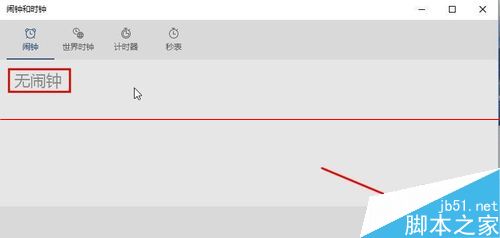
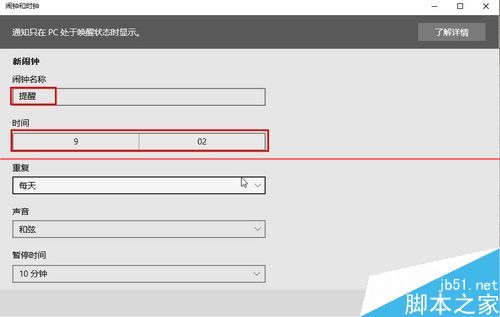
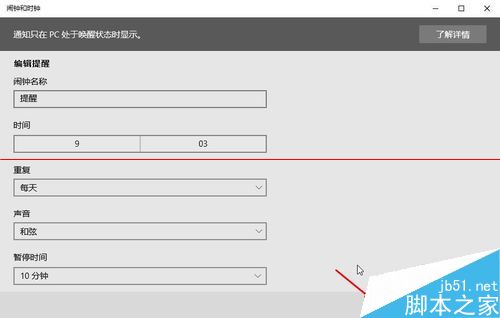
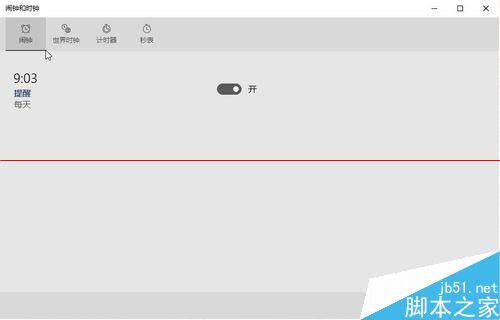
注意: 本文基於預覽版撰寫,正式版若有介面差異將另行更新。
Windows 10 登入 Xbox 應用程式出現 0x800488AB 錯誤?改用其他 Microsoft 帳號登入即可修正
Win10 Build 10147 英文 64 位 ISO 鏡像與語言包下載(洩露版)
Win8.1 對決 Win10 十大差異深度解析:價格、裝置支援、開始選單、應用視窗、虛擬桌面、Xbox、Office、Cortana、Spartan、命令提示字元
Win7電腦自動關機/死機原因總整理:顯卡、電壓、散熱、驅動、軟體六大面向排查
USB 隨身碟安裝 Win10 專業版完整教學,軟媒魔方製作啟動碟