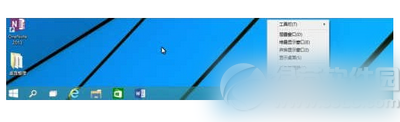
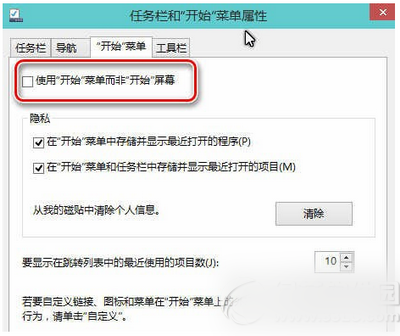
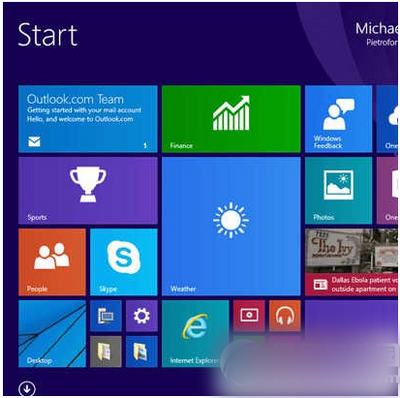
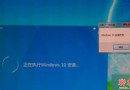
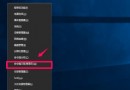
Win10 直接進入桌面設定方法來了!習慣使用「開始畫面」的用戶,看這裡設定讓 Win10 啟動後直接進入佈滿磚塊的開始畫面。
現在啟動 Win10 技術預覽版將直接進入開始畫面。
目前微軟 Win10 技術預覽版尚未對觸控介面專門優化,互動動態磚與通知中心功能將在後續更新提供。
Win10 Mobile 週年更新正式版 14393.67 首波推送解鎖/無鎖裝置,營運商版延後
善用 Win7 音效增強功能,打造家庭 KTV 卡拉 OK 體驗
Win10 開機加速三招:msconfig 調整核心數/記憶體、停用非必要啟動項、註冊表消除啟動延遲
Windows 7 解決 QQ 主面板自動隱藏與視窗最大化衝突:三種替代方案
Windows 10 排程重新開機時間設定:更新與安全性彈性掌控
Windows 7 開啟防火牆保護系統安全圖文教學
微軟官方公布 Win10 詳細免費升級路徑:七大版本、首年免費、終身更新
Win10 網路直播僅限微軟合作夥伴觀看:企業版價值深度解析、產品版本、消費者代表性問題