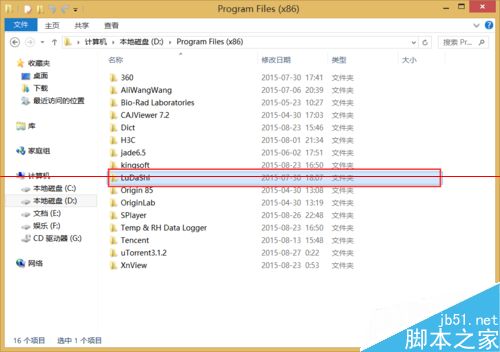
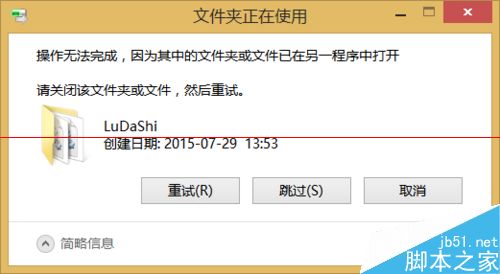
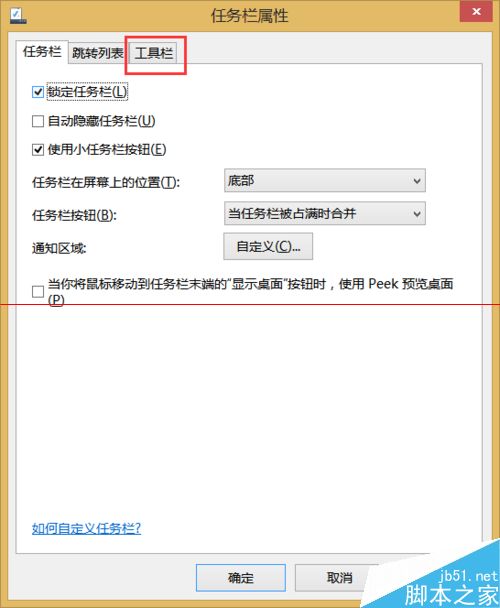
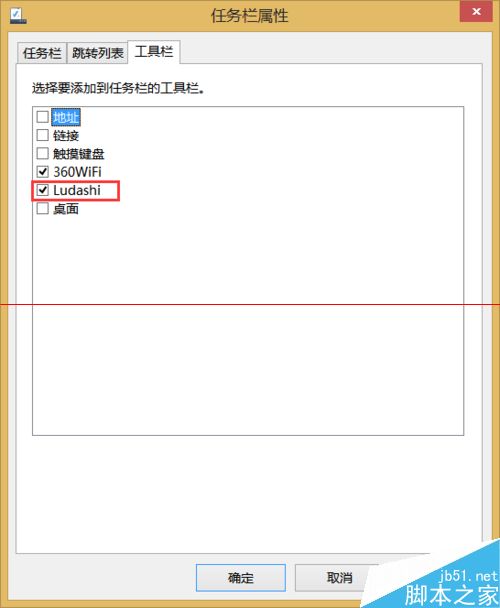
卸載魯大師後安裝目錄下的 LuDaShi 資料夾無法刪除,重開機也失敗。原因:工作列「工具列」仍勾選了 LuDaShi,導致檔案被佔用。
同理可用於其他殘留工具列工具列的軟體清理。
Win10 Build 9860 文字缺失/顯示不全?安裝 KB3008956 補丁即可修復
Win10 Mobile 14342 對比 14332:通知中心介面暗黑化、圖示更清晰、時間位置調整
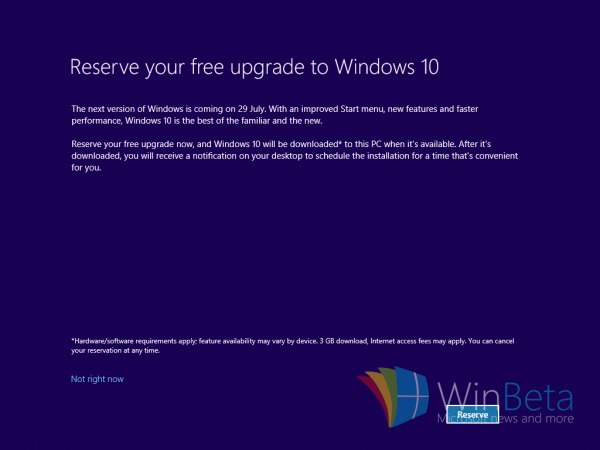
Windows 10 免費升級預約開放,預計 8 月底正式推送 (早期洩露資訊)
Win10 Mobile 正式版發布時間曝光:9 月底,最早 9 月初
Win10 如何關閉應用商店自動更新?三步驟關閉背景下載
Win7 徹底關閉動作中心圖示:工作列屬性一鍵隱藏通知區域圖示
Win8 無法安裝 LOL(英雄聯盟)?兩大常見原因與解決辦法
Win10 Mobile 預覽版偵測不到 SIM 卡?長按音量鍵+電源鍵軟重開機解決