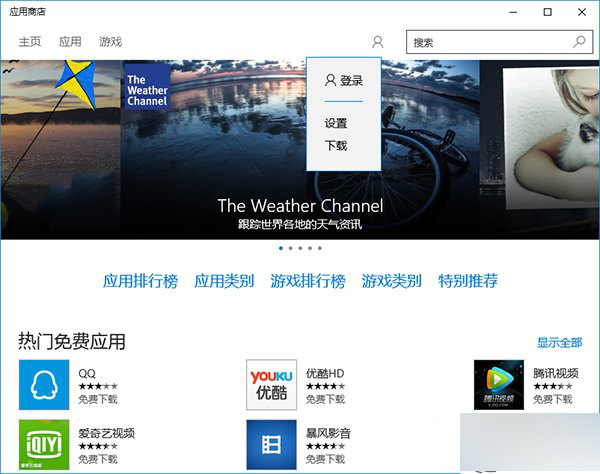
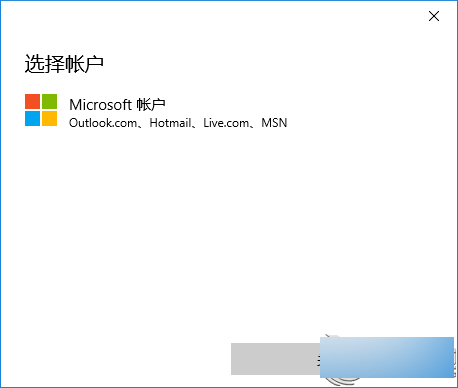
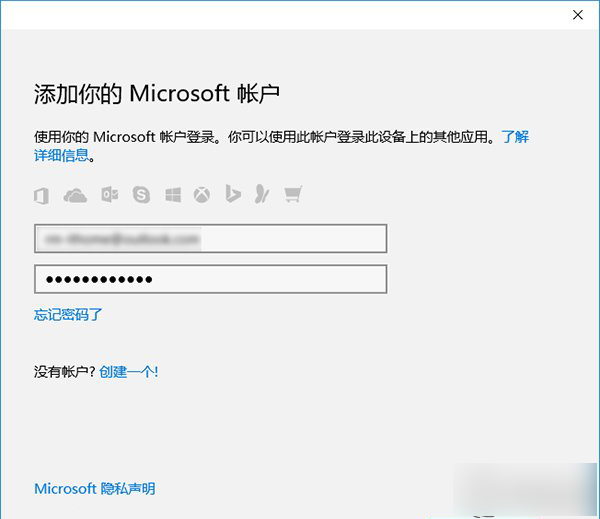
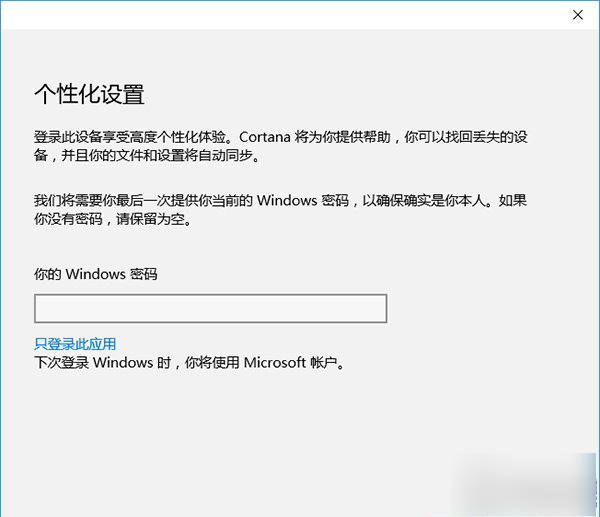
如此系統仍保持本機帳戶登入,但商店已登入 Microsoft 帳戶可下載應用。
Win7 專用字符編輯器自造字如何複製到 Word?完整圖文教學
Win10 夏季全面上市、免費升級一年終身授權、聯想新機預裝、騰訊/360 管道三大核心資訊彙總
Windows 8.1 關機變重開機 三大解決方案 快速啟動/電源管理/偵聽裝置
Windows 10 正式版發布時間曝光:RTM 版本最快 7 月 8-9 日交付 OEM
Win10 玩 LoL 卡頓、藍屏、閃退?四大解決方案快速修復
微軟發布 Win10 Mobile 開發者旁載部署工具 WinAppDeployCmd
Win8.1 語音聊天麥克風無聲音?設定「預設通訊裝置」即可
Win10 預覽版 Build 9924 官方下載地址:版本號確認、Cortana 專屬版本、與 awesome 版差異