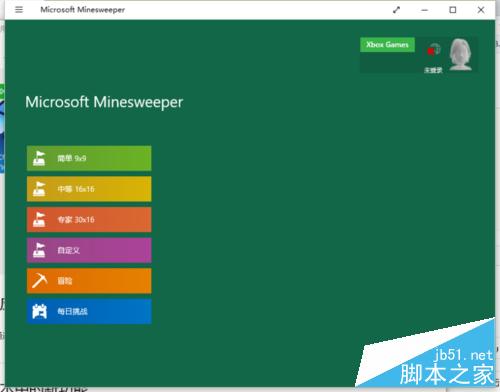
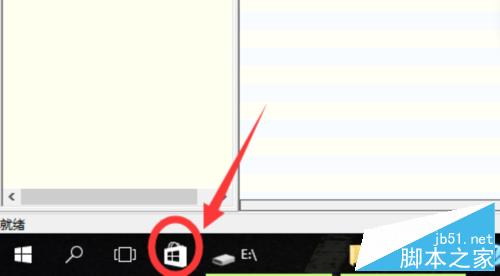
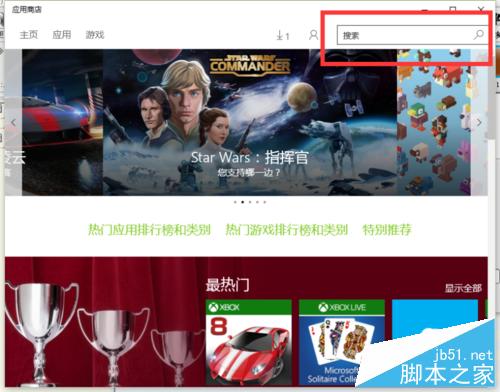
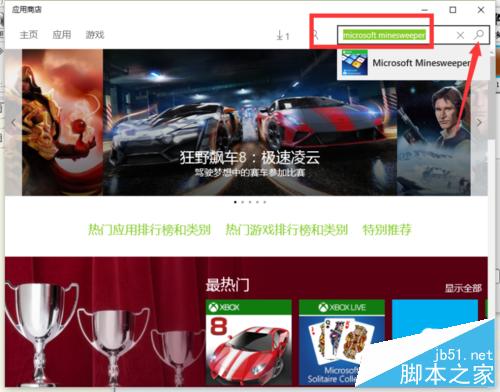
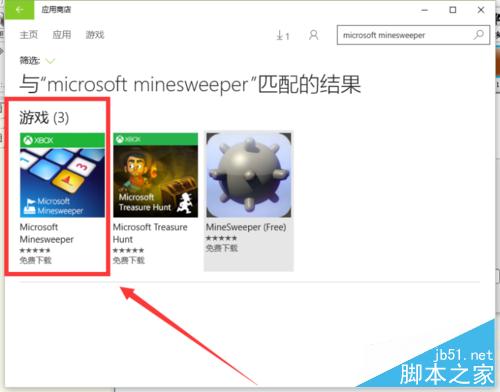
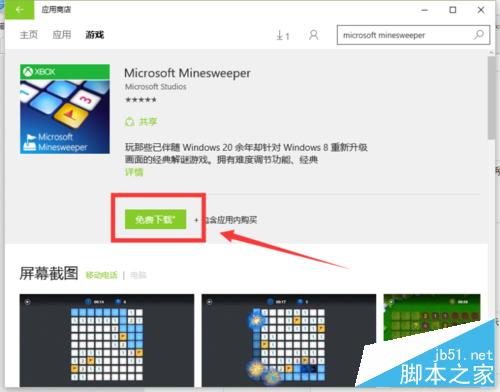
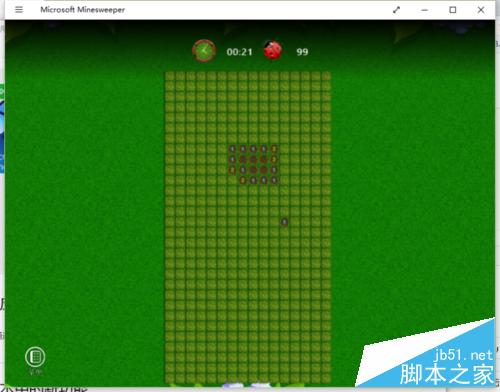
Win10 移除內建掃雷,需從應用商店下載「Microsoft Minesweeper」。
相關推薦: XP 掃雷作弊法、Win8.1 玩經典遊戲教學、Win10 正式版玩 XP 掃雷教程。
Win10 Cortana 搜尋結果顯示緩慢?教你幾招輕鬆解決索引問題
Win7 隱藏任務列右下角時間:教師上課防學生看時間分心、極簡桌面需求
Win10 PC 預覽版 14942 更新內容彙總 (Dona Sarkar 官方日誌版)
Windows 10 串流 Xbox One 遊戲畫質實測:紋理細節微損,但幾乎不影響體驗
Windows 10 深色主題炫酷登場,Edge 瀏覽器夜間模式超性感
Win7 建立寬頻連線捷徑完整圖文教學
Win10 操作小技巧 16 招:1/4 分屏、虛擬桌面、命令列支援 Ctrl+V、開始選單縮放、一鍵卸載、跨版本更新等
Windows 10 Build 9926 純淨安裝介面圖賞:8 分鐘極速完成