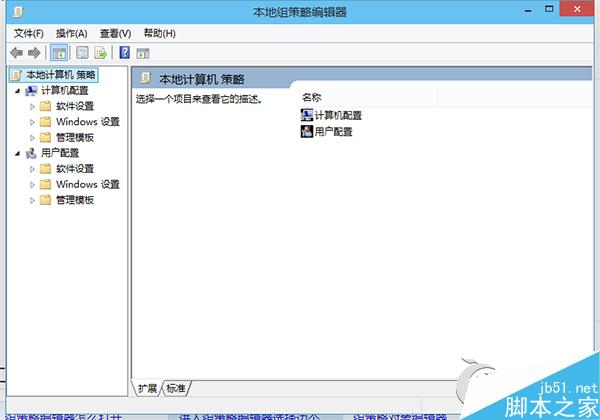
Win10 專業版/企業版內建群組原則編輯器,提供兩種最快叫出方式,適用系統設定、故障排除、安全強化等進階操作。
方法一:執行指令(極速)
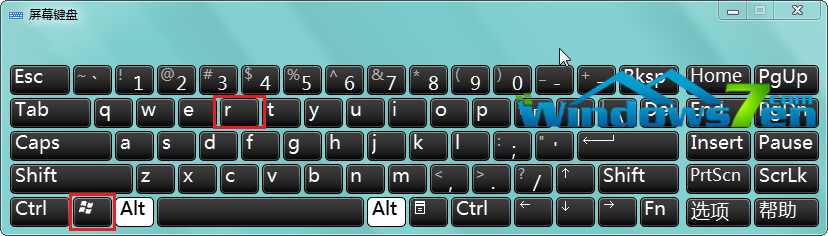
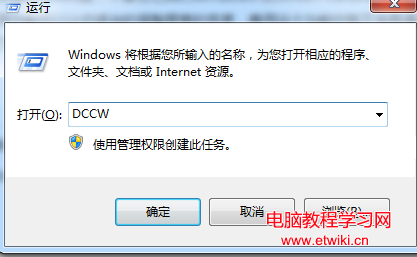
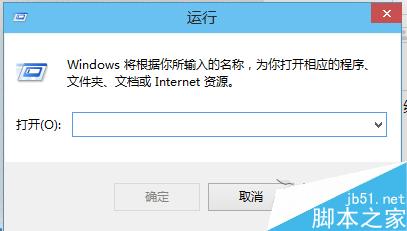
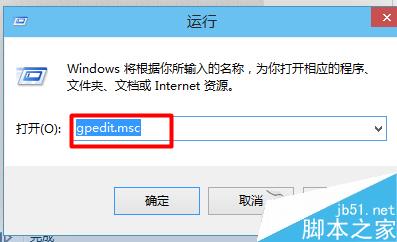
- Win+R 開啟「執行」
- 輸入
gpedit.msc > Enter
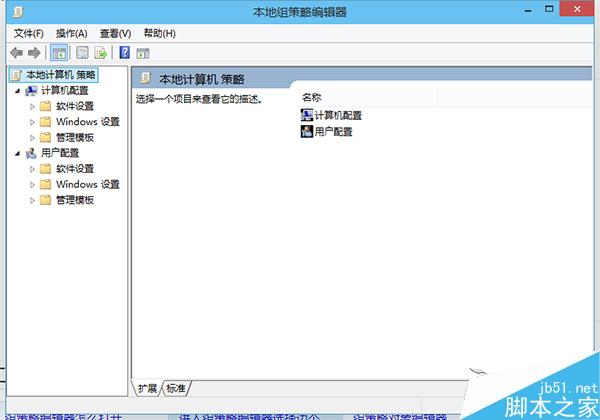
方法二:開始選單搜尋(直覺)
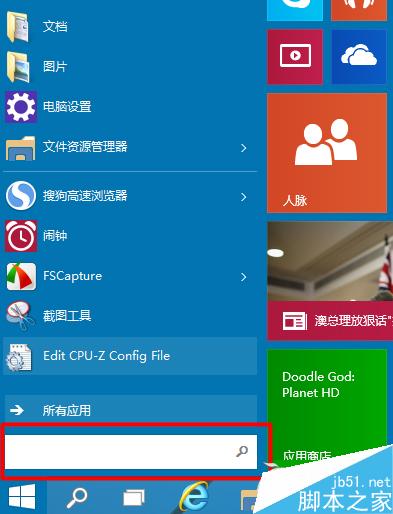
- 點擊「開始」或按 Win+S
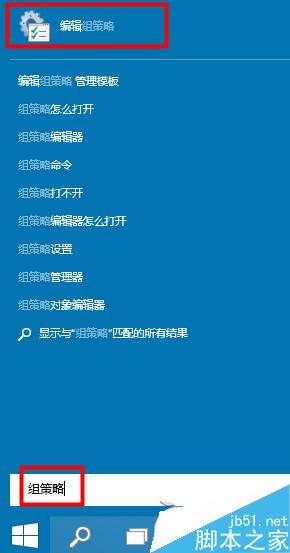
- 輸入「群組原則」或「編輯群組原則」
- 點擊搜尋結果「編輯群組原則」

適用版本與替代方案
- 專業版/企業版/教育版:內建 gpedit.msc
- 家庭版:無內建,可使用第三方工具(如 Policy Plus、GPEdit Enabler)或註冊表替代
- Win7/8/8.1 同樣適用上述兩法
常用設定分類
- 電腦設定 > 系統管理範本 > Windows 元件 > Windows Update(控制更新行為)
- 使用者設定 > 系統管理範本 > 開始選單和工作列(自訂 UI)
- 電腦設定 > Windows 設定 > 安全性設定 > 本地原則 > 安全性選項(UAC、登入行為)
雙法任選,群組原則編輯器隨叫隨到。