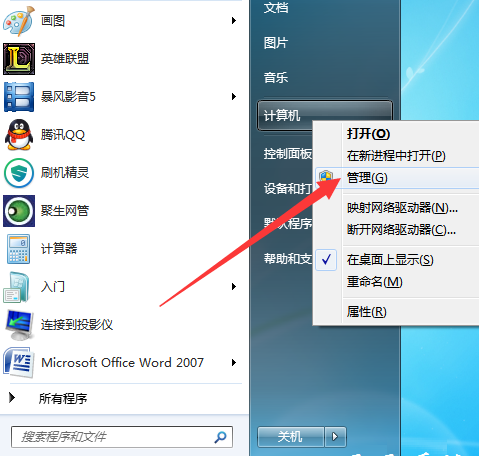
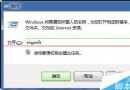
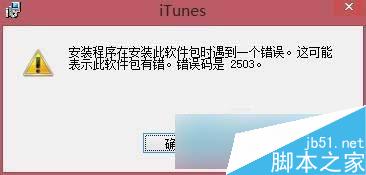
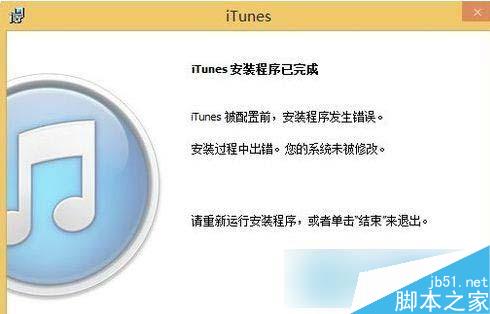
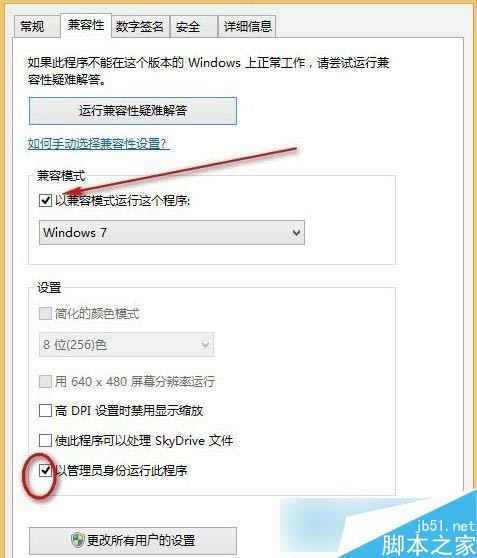
Win8 安裝 iTunes 總是報錯結束,解法:
微軟 Win10 發布會 8 分鐘濃縮版影片觀看:免費升級、Spartan、HoloLens、Surface Hub 全紀錄
如何在 Win8/8.1 取得 SYSTEM 最高權限刪除頑固資料夾 (TrustedInstaller 權限降權)
Win8 第三方 INF 驅動簽名無效?進入進階啟動選項停用強制簽名即可安裝
微軟 Sonar 計畫曝光:虛擬機器「引爆」惡意軟體,招募安全工程師
升級 Win10 後風扇狂轉噪音大?將散熱模式從「主動」改為「被動」降低處理器頻率優先
Win10 忘记 PIN 密码怎么修改?设置中“登录选项”可重置或更改