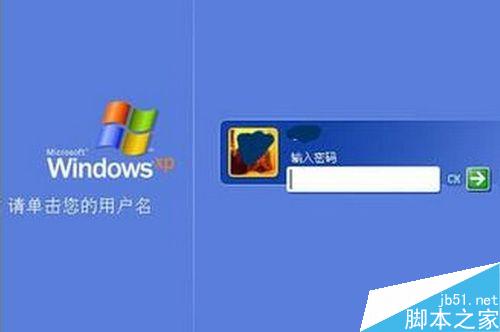
Windows 密碼保護使用者資料安全,建立、變更、移除操作大同小異。
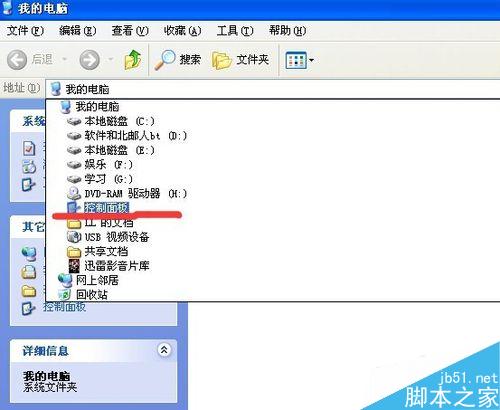
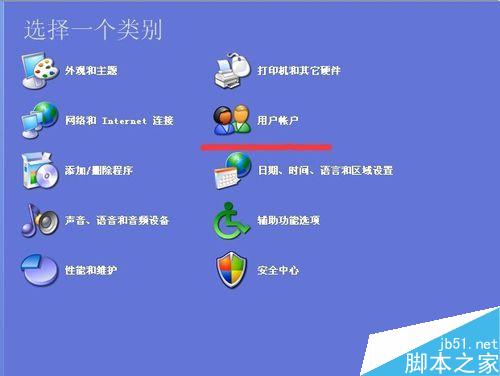
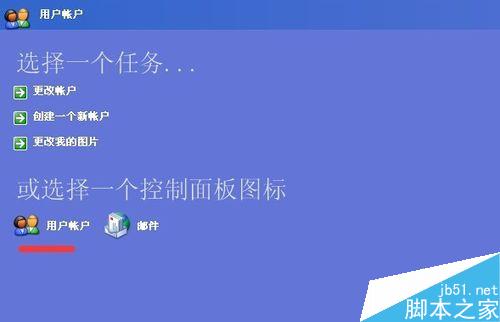
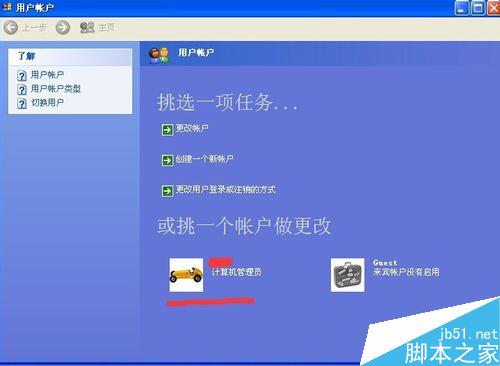
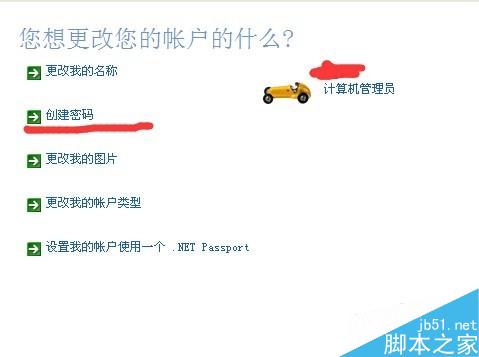
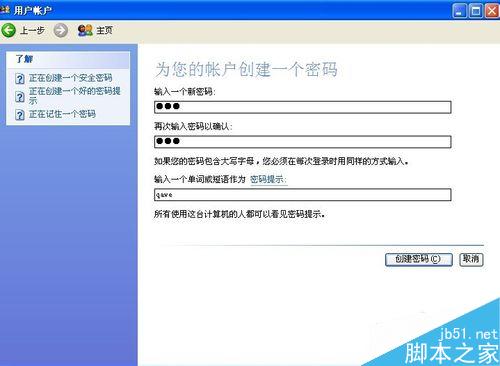
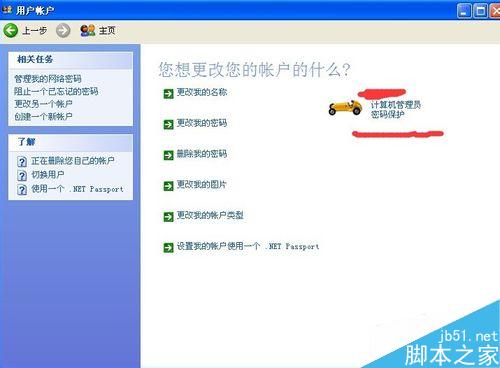
操作直觀簡單,適用 Win7/8/10 通用介面。
WinXP 修改副檔名導致檔案無法開啟?啟用「隱藏已知檔案類型副檔名」即可解決
國內不銷售零售版 Win10 安裝 U 盤:僅銷售序列號,U 盤屬 OEM 合作夥伴專用
Win10 一周年更新 Edge 瀏覽器支援 Modern UI 自動化:高對比度、語音合成、觸控優化
Win10 IE 無法播放 Flash?360 替換導致內建 Flash 受損,卸載 KB3105216 重裝修復
Win10 企业版 90 天评估版 ISO 下载(中/英 32/64位)附 SHA1 校验
Win10 應用程序「並行配置不正確」啟動失敗?修復 Windows Modules Installer + 安裝 VC++ 運行庫