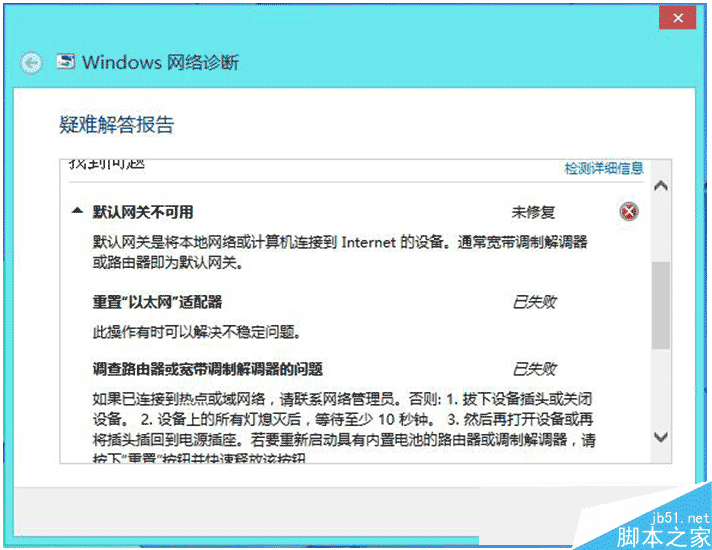
Win8 無法連線路由器怎麼辦?有用戶 Win8.1 升級 Win10 後無法連線路由器,降級回 Win8.1 仍無法連線。可能為換系統過程中網卡驅動相容性問題,以下方法可解決。
sfc /scannow 修復系統檔案;Win8.1 無法連線路由器多為網卡驅動問題,更新驅動即可解決。
Win10 開機黑屏時間長/僅顯示滑鼠?獨顯驅動不兼容為主因 解決教學
Windows Phone 8 音樂播放器常見七大痛點與終極解決方案
Win10 安裝 SSD 開啟 AHCI 後無法開機?安全模式安裝驅動救機完整教學
Win7 安裝虛擬列印機(Microsoft Print to PDF / Adobe PDF)完整教學:列印服務啟動與驅動修復
Win7 免費升級 Win10 完整圖文教程:加入 Insider 計畫、保留檔案設定、終身免費
Win 10 Groove 音樂如何串流播放 OneDrive 音樂收藏?跨裝置聽歌全攻略
Win10 Build 9901 官方自带 5 张 4K 壁纸打包下载:百度网盘分享,含超宽 3840×1200 多屏版