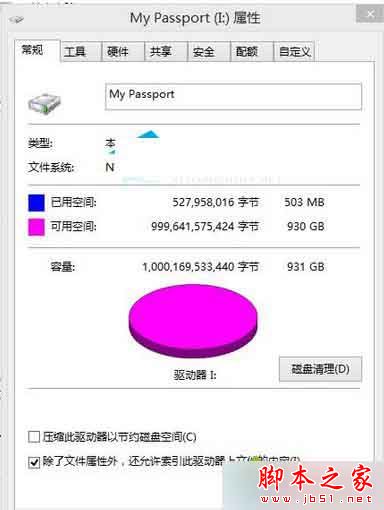
WD My Passport USB 3.0 在 Win8.1 下無法識別,依序嘗試:

XP系統訪問 GPT 硬盤方案:移植 Win2003 SP2 disk.sys 驅動破解 2TB+ 容量限制
Windows 10 DirectX 12 完整解析:三層架構變化、顯卡支援對照表、平台限制、支援引擎與遊戲
Win10任務欄音量圖標灰色無法開啟?重啟資源管理器一招即合
Windows 8 裝置管理員停用裝置:Win+X 秒開停用
Windows 7 滑鼠右鍵無限轉圈無回應?一鍵 .bat 修復右鍵選單 Shell 擴充項目註冊錯誤
Win10 RedStone 預覽版 14267 該怎麼更新升級?
Windows 透過 hosts 檔封鎖不良網站:記事本開啟 C:\Windows\System32\drivers\etc\hosts → 新增 127.0.0.1 域名 → 存檔生效