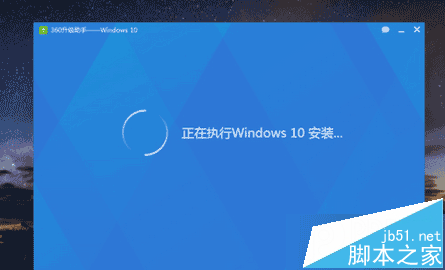
Win8.1 透過 Windows Update 升級 Win10 過程中出現錯誤代碼 0xc770010c,安裝失敗回滾。
0xc770010c
第三方/系統防火牆攔截升級元件下載或驗證連線,導致升級失敗。
Windows 10 找不到 IE 瀏覽器?兩大啟動法 + 設為預設瀏覽器教學
Win7 藍屏 KERNEL_DATA_INPAGE_ERROR (0x7A) 完整排查與修復指南
Win8 純淨版設置鎖屏時間後螢幕不自動關閉?註冊表修改 Attributes=2 強制生效
Windows 10 升級 11082 卡在 75%/76% 兩種解決法:只保留個人檔案、將非 Unicode 程式語言改為英文
Windows 8 桌面找不到「計算機」圖示?一鍵加回經典電腦圖示
Win8 快速複製已開啟檔案完整路徑,兩大技巧任選
Windows XP / 7 實現開機自動撥號上網:註冊表法與工作排程器法完整教學
Win10 一键永久激活工具使用教程:KMS/OEM 数字权利激活原理与风险提示