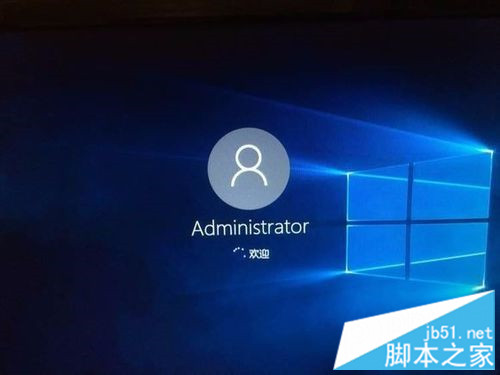
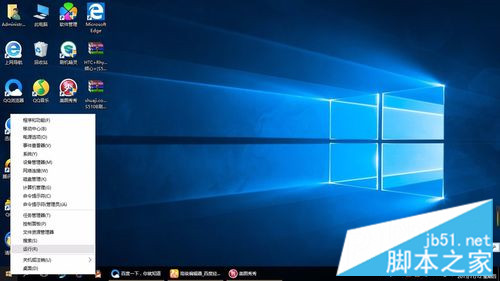
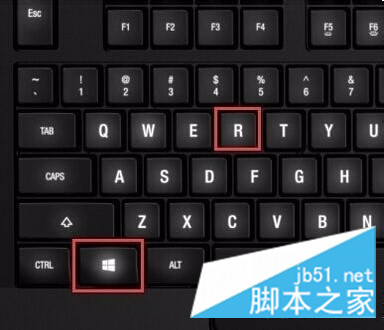
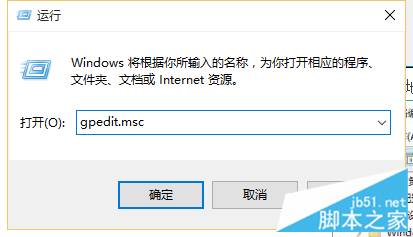
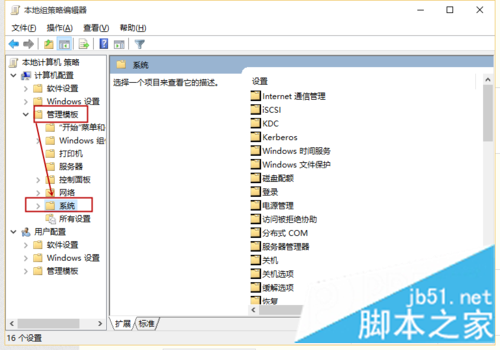
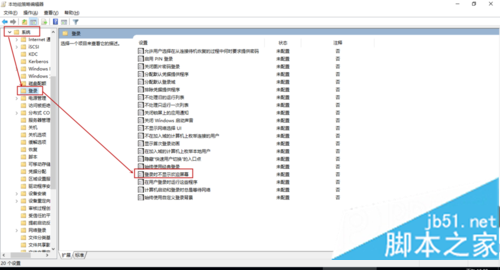
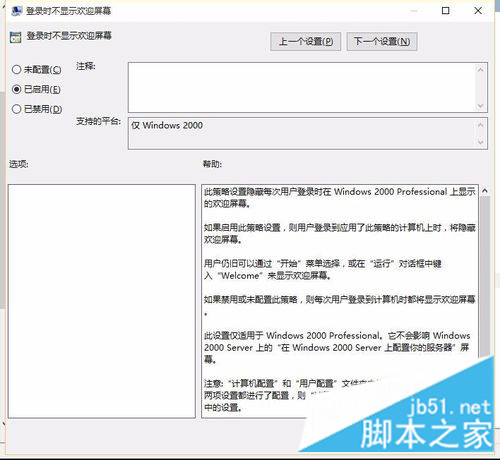
Win10 開機每次進入歡迎畫面才進桌面,若覺得多此一舉,可透過本機群組原則設定「登入時不顯示歡迎畫面」直接跳過。
gpedit.msc
若系統設定了登入密碼,即使啟用此設定,歡迎畫面(密碼輸入介面)仍會顯示。 此設定僅隱藏無密碼帳戶的歡迎畫面。
Win10 10547 版開始選單新功能:啟用「顯示更多磚」擴展至四欄佈局
Win7 精簡優化全攻略:移除多語系、驅動備份、輸入法、虛擬記憶體一次設定
Windows 7 家長控制五步設定教學:時間、遊戲、程式全方位管制
Win7 事件檢視器無法開啟?修復 WMI 儲存庫權限三步驟解決
Win7 防火牆完整關閉教學:圖文步驟輕鬆掌握
Win10 週年更新累積更新 KB3206632 及 12 月全補丁獨立下載匯總
Office 2010 重灌後啟用資訊備份還原工具激活訣竅:必須先用金鑰網路啟用失敗一次
Win10 Mobile/PC 週年更新 14393.105 曝光:將作為下一波累積更新推送