Win10 14342 預覽版起 Edge 支援擴充功能,LastPass 密碼管理器提供豐富密碼管理功能。三步從應用商店安裝啟用。
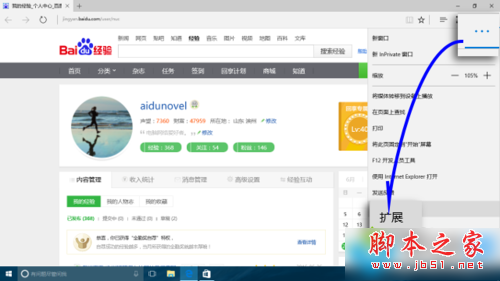
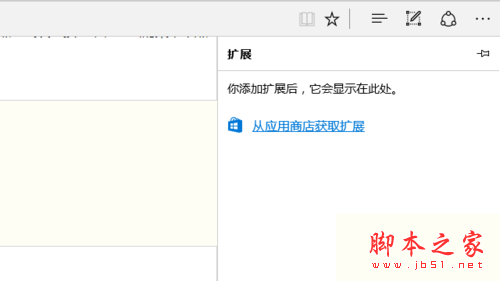
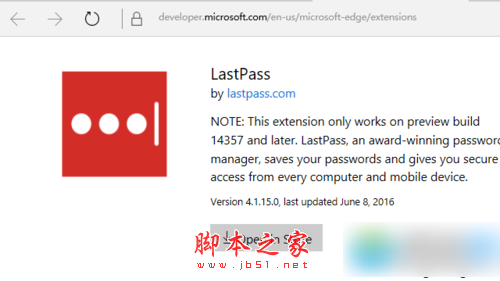
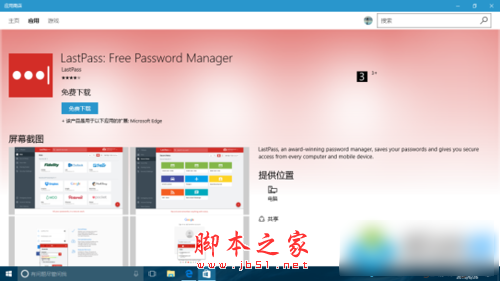
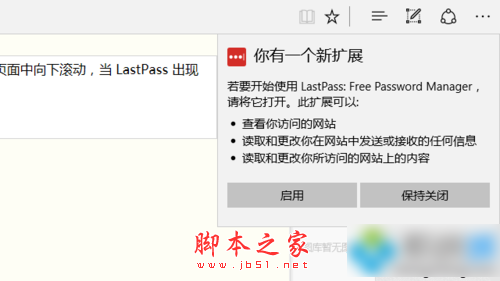
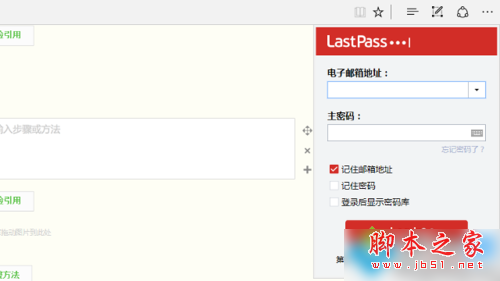
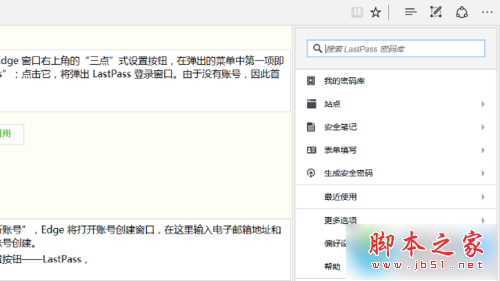
Edge 用戶裝上 LastPass,密碼管理更安心高效。
Win10 手動檢查更新教學:設定→更新與安全性→Windows Update→檢查更新
Windows 10 快速查看顯示卡規格:DirectX 診斷工具一鍵搞定
Win8.1 出現 GWXUX.exe 停止運作?卸載並隱藏 KB3035583 更新即可解決
Win10 週年更新 14393 最新虛擬機與 SDK 下載 (9 月版)
Windows 10 USB 無線網卡無法使用?裝置管理員停用內建網卡讓指定網卡生效
解決《紅色警戒 2:共和國之輝》在 Windows 7 全螢幕顯示異常(登錄修改法)
Win10 周年更新「設定」App 大改版:分類導航、深色主題、任務列自訂、Web App、Insider 專區、開發者模式全新體驗