Windows Hello 指紋登入若需移除(如指紋變更、裝置轉讓),操作路徑如下:
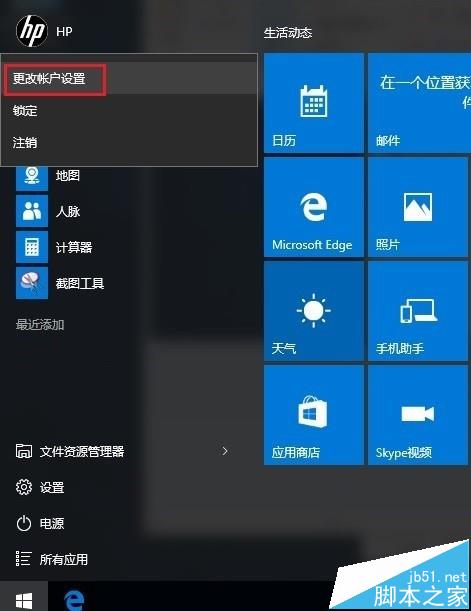
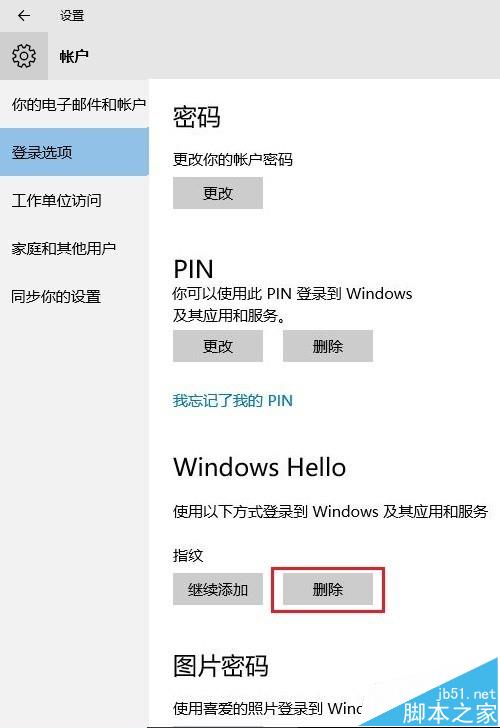
移除指紋後,若裝置支援臉部辨識(紅外線攝影機),仍可使用 Windows Hello 臉部登入。若要完全停用 Windows Hello,請參考「停用 Cortana/Windows Hello」相關教學。
Windows 10 週年更新 Edge 瀏覽器效能大幅提升:HTML5 達 100% 可及性
Windows 8 修改 IP 與 DNS 設定完整圖文教學:TCP/IPv4 手動設定、進階多重 IP、DNS 優先順序、WINS
Win10 10532 預覽版:Cortana 小娜新增澳洲、加拿大、日本三地支持
Win10 Build 10061 官方已知 Bug 清單:開始選單 32 位應用失效、黑畫面、音樂下載當機等
Win10 啟用與關閉內建 Administrator 管理員帳號完整教學