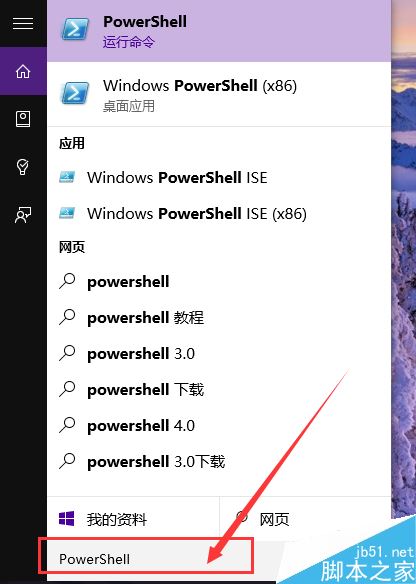
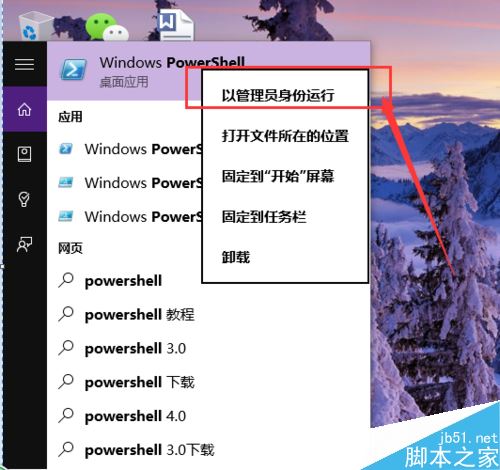
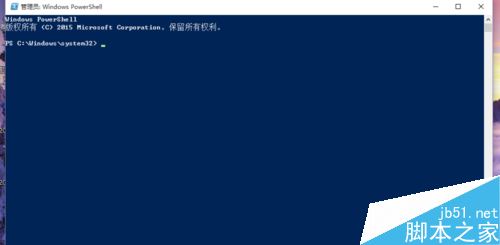
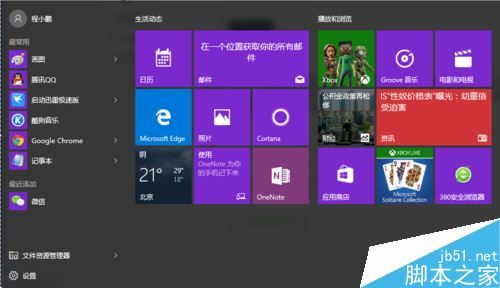
誤刪 Win10 內建應用(如計算機、照片、郵件等),可用 PowerShell 指令批次重裝所有預設應用。
PowerShell
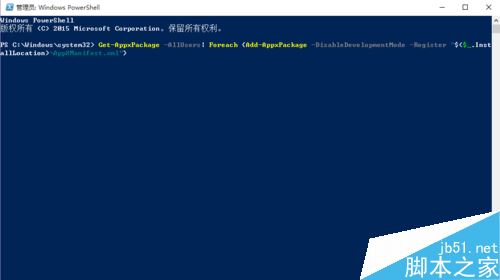
Get-AppxPackage -AllUsers | Foreach {Add-AppxPackage -DisableDevelopmentMode -Register "$($_.InstallLocation)\AppXManifest.xml"}
單一指令即可完整恢復所有內建 UWP 應用,無需重裝系統。
Win10 升級後無聲音完整排查指南:針對 VIA/Realtek 聲卡的三大解決方案
Win10 Mobile Build 10536.1004 如何安裝?分階段升級流程與耗時說明
Windows 7 找回工作列通知區域遺失的藍牙圖示:網路共用中心啟用圖示顯示
Windows 10 什麼時候上市?2015 年下半年正式推出,Build 大會發布消費者功能
winlogon.exe 應用程式錯誤 0x018d063c 解決:修補系統漏洞
升級 Win10 TH2 後藍屏重啟完整排查指南:硬體/軟體/驅動三維度深度解析
Win8 開機黑畫面幾十秒?關閉「顯示作業系統清單」加速啟動
Win8.1 升級 Win10 用戶批評開始畫面:設計不進反退,失去多選磁貼與同步功能