購買品牌機或裝機服務,如何確認預裝的 Windows 7 是微軟官方原版而非 Ghost 修改版?以下提供三大鑑別特徵與工具驗證方法。
一、使用 SLIC Tool Kit 驗證 BIOS 與憑證
- 主板 BIOS 含有對應品牌的 SLIC 2.0/2.1 表。
- 系統整合對應品牌的 OEM 憑證 與 OEM SLP Key。
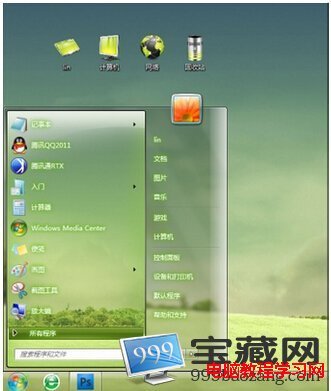
二、檢查安裝 ID 與系統屬性
- 「電腦」右鍵 → 「內容」→ 底部 Windows 啟用區域,「安裝 ID」第二欄為 OEM(格式:XXXXX-OEM-XXXXXXX-XXXXX)。
- 系統屬性視窗顯示品牌商標識(Logo)。
- 連網通過微軟正版驗證中心驗證。
三、實體標籤與 COA Key
- 鍵盤下方有「正版標識」貼紙。
- 機背防偽條碼貼紙附有專屬 OEM COA Key(一機一碼,不同於通用的 SLP Key)。
Ghost 版/論壇版特徵
- 安裝 ID 第二欄通常為 640(零售版)或其他非 OEM 代碼。
- 系統屬性常見「論壇標識」、「Ghost」字樣。
- 無正版標識貼紙、無 COA Key。
綜上,最準確鑑別仍是:品牌機機身背部是否有防偽條碼與專屬 OEM COA Key。