Win8 系統字體大小非固定,可依需求調整:
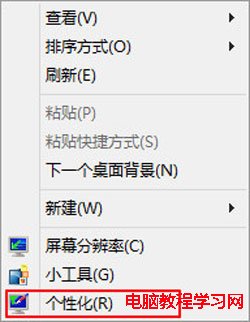
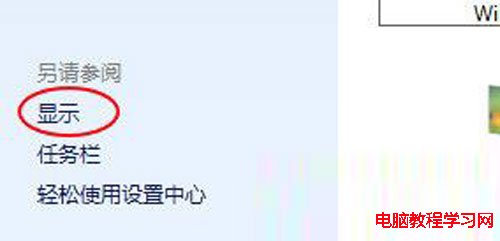
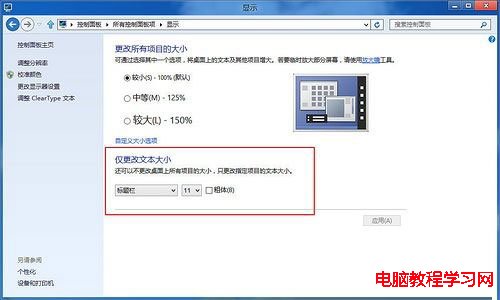
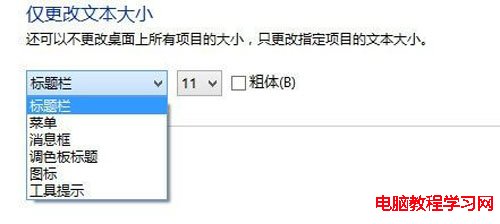
適合長輩上網,調大字體減輕眼睛負擔。
Windows 10 Build 10164 開始第一階段測試,Build 10163 修正 26 項 Bug、升級體驗改善
Win10 開機密碼設定/取消/變更完整教學:控制台與設定雙管道操作
Win7 註冊 DLL 提示「沒有權限」?啟用內建 Administrator 帳號解決
Windows XP 清潔 EPSON (愛普生) 印表機噴頭:列印噴嘴檢測圖案並執行清洗
Win10 Mobile 10586.122 預覽版上手體驗:穩定性提升與九宮格輸入法修復
Windows 10 TH2 正式版虛擬桌面功能完整教學:工作、娛樂桌面分離,保護隱私
Win10 Build 10576 桌面版更新:Edge 新增多媒體投影 (Miracast/DLNA)、PDF 整合小娜、Xbox Beta 更新