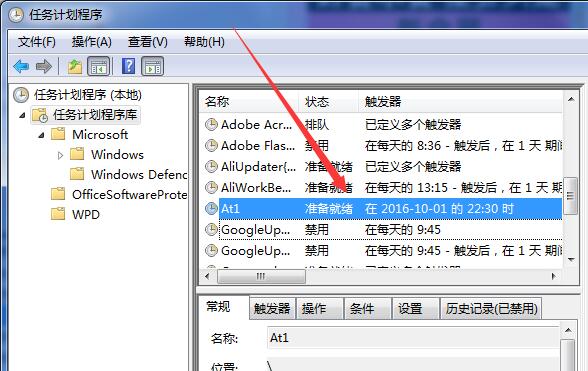
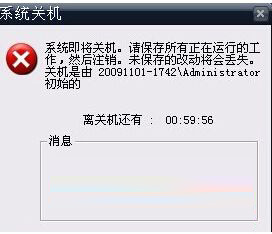
Windows 內建 shutdown.exe 即可實現定時關機、重開機、登出、取消排程,無需安裝第三方軟體。指令相容所有 Windows 版本,操作簡單高效。
| 功能 | 指令 | 說明 |
|---|---|---|
| 指定時間關機 | 22:00 自動關機 | |
| 倒數秒數關機 | 3600 秒(1 小時)後關機 | |
| 取消排程 | 中止所有待執行關機/重開機工作 | |
| 重新開機 | 60 秒後重開機 | |
| 登出使用者 | 立即登出目前使用者 |
shutdown -a 取消。-f 強制關閉程式-m \\電腦名 遠端控制區域網路電腦-i 顯示圖形介面-c "訊息" 自訂提示訊息善用內建指令,輕鬆實現無人值守關機、定時維護重開機等自動化管理。
Windows 8 消費者預覽版硬碟本地安裝法:NT6 HDD Installer 兩步快速部署
Windows 10 C 槽空間不足解決方案:擴展磁碟分區與刪除 Windows.old 釋放 10GB+
Win7 徹底關閉自動升級 Win10 提示:本地群組原則禁用「透過 Windows Update 升級至最新版本」
Win8 如何刪除應用程式商店快取垃圾?一鍵指令 WSReset 即可完成
Win10 與 Win 8 使用體驗深度對比:五大核心差異解析
Win10 10532 預覽版:如何更改應用窗口標題欄顏色?個性化設置教程