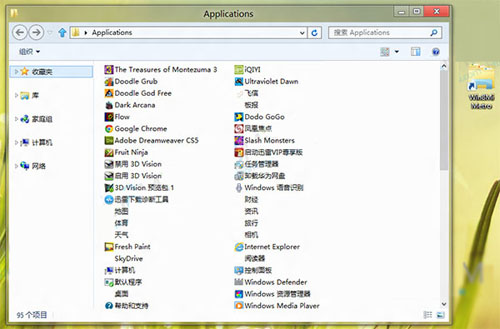
Windows 8 Metro 介面本質為 Explorer 殼層擴充,可在傳統桌面建立捷徑直接啟動 Metro 開始畫面,免切換介面。
%windir%\explorer.exe shell:::{4234d49b-0245-4df3-b780-3893943456e1}
此法利用 Shell 命名空間 GUID 直接呼叫 Metro 介面,相容性佳。
Win8 IE10 啟用「快速導覽」功能:Ctrl+Q 秒切換多頁籤
Windows 8.1 如何開啟 IIS 伺服器管理員
Win8 虛擬 WiFi 手機連上卻上不了網?開啟網路共享或設定手機靜態 IP
Windows 8.1 啟用「滑動關機」功能教學
Windows 8 磁碟清理工具開啟與使用完整圖解
Win8 上手指南全系列:開始畫面、搜尋、超級按鈕、桌面、控制台、關機、休眠完整入門
Win8.1 開機直接進入傳統桌面:導覽設定啟用法
解决 Windows 8 C 盘重命名失败的注册表强制修改法