CNET 整理八款 Windows 8 開始選單工具,涵蓋免費開源至商業收費,功能從基本復刻到深度客製化。以下整理關鍵特色與官網連結,助您依需求選擇。
| # | 工具名稱 | 授權 | 核心特色 | 官網 |
|---|---|---|---|---|
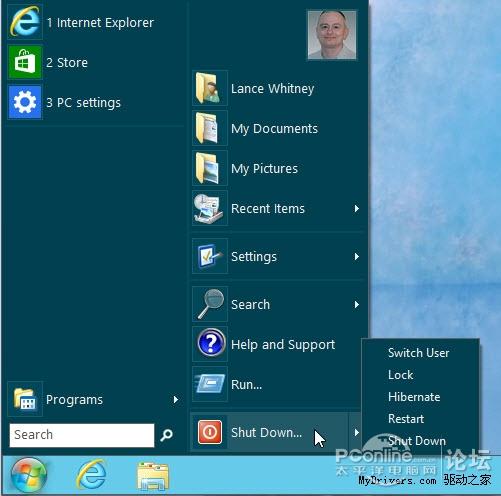
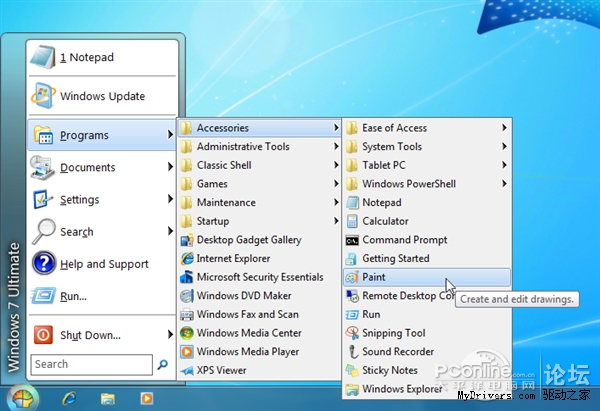
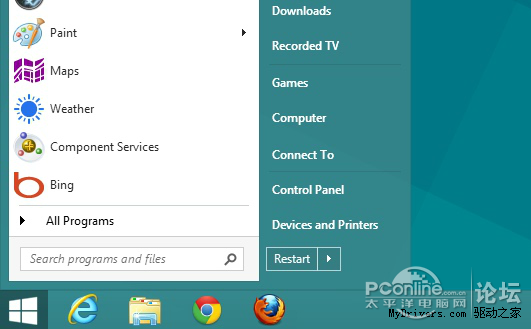
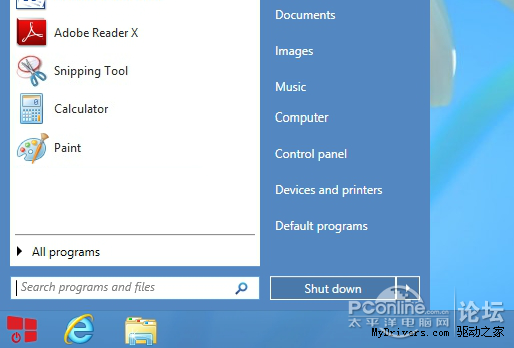
| 1 | Classic Shell | 免費開源 | Win7/8 高度客製化,支援繞過開始畫面,多種選單風格 | classicshell.sourceforge.net |
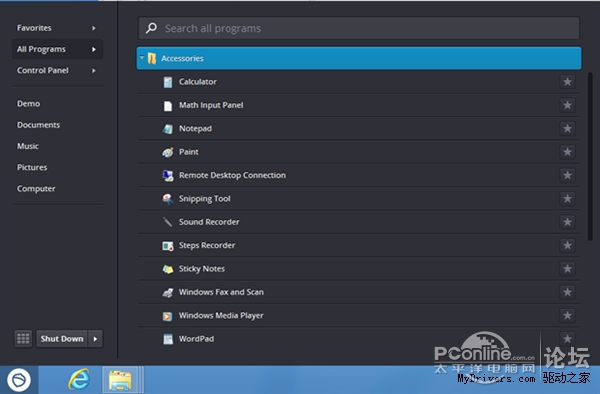
| 2 | Pokki for Windows 8 | 免費 | 簡潔開始選單,整合 Windows 8 Apps 資料夾列出所有 Modern Apps | pokki.com |
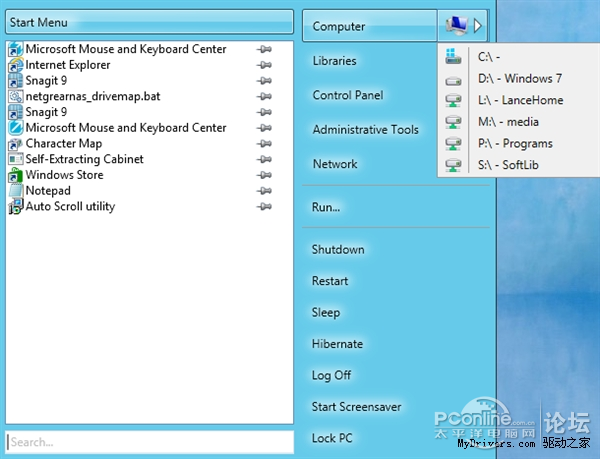
| 3 | Power8 | 免費 | 簡單高效,開源專案 | code.google.com/p/power8 |
| 4 | Start8 | 收費 $4.99 | 自訂按鈕圖示、快速搜尋、右鍵新增執行/關機 | stardock.com/products/start8 |
| 5 | StartW8 | 免費 | 復刻傳統外觀,含關機選項,輕量無複雜設定 | areaguard.com/startw8 |
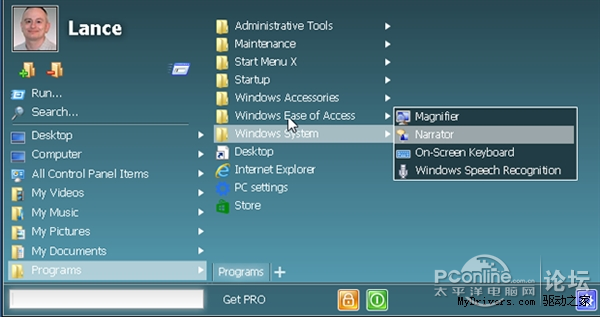
| 6 | StartMenu7 (StartMenuX) | 免費/專業版收費 | 自訂外觀功能、跳過開始畫面直進桌面 | startmenu7.com |
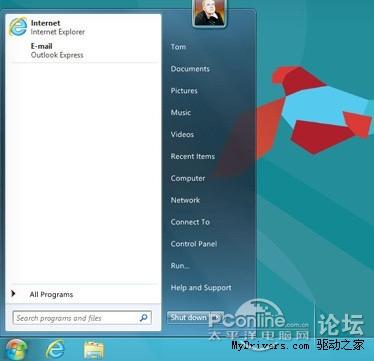
| 7 | ViStart | 免費 | Win7 體驗,Win 鍵呼叫選單 | lee-soft.com/vistart |
| 8 | Win8 StartButton | 免費 | Classic Shell 重新編譯版,功能大同小異 | windows8startbutton.com |