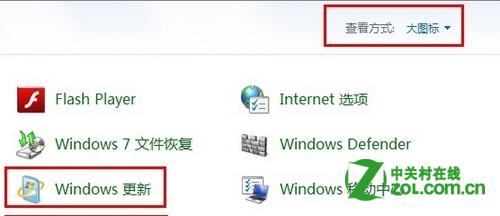
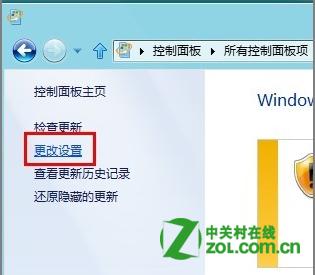
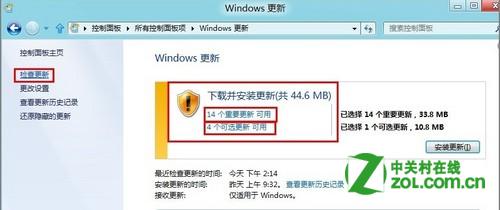
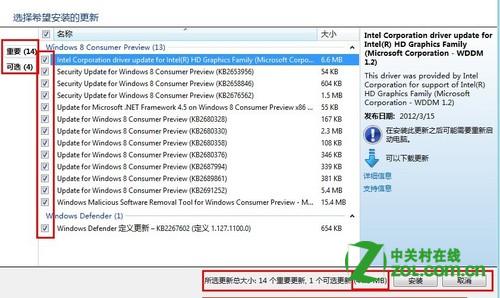
Windows 8 可手動挑選安裝特定重要/選用更新,而非一次全裝,節省頻寬與時間。
此功能適合頻寬有限或需測試特定補丁相容性的進階用戶。
Win8 系統 DPI 設定過大如何還原?安全模式與登錄修改法(重複文章)
Win8 如何設定開機直接進入桌面?控制台→外觀和個人化→更改主題→工作列和導航→勾選「登入時直接進入桌面」
Windows 8 內建虛擬光碟機與壓縮功能使用教學
Win8.1 控制面板藏哪了?Win+F 搜索「所有位置」秒找到
Win8 任務列變雙行兩大招:新增工具列資料夾、安裝 Bins 堆疊圖示
正版 Windows 8 系統啟用完整指南:線上、電話與升級助手三種方式
如何查看預裝 Windows 8/8.1 OEM 版產品金鑰(含 AIDA64、PowerShell 法)
Windows 8.1 Preview 安裝失敗?嘗試修改 DNS 解決下載問題