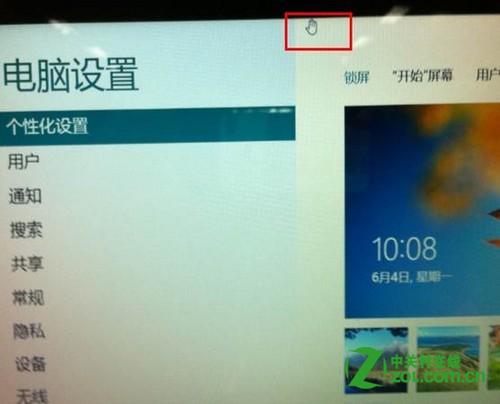
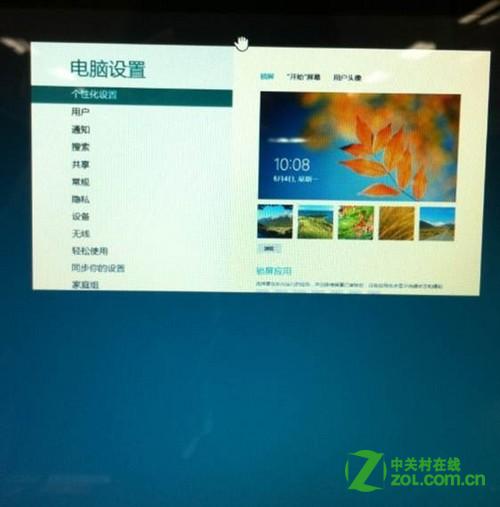
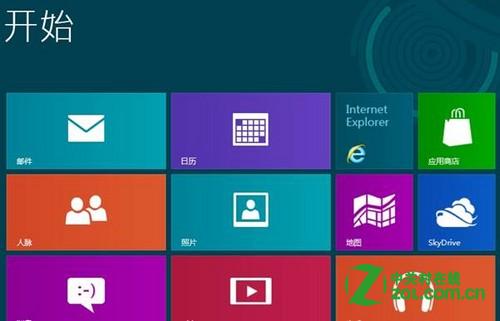
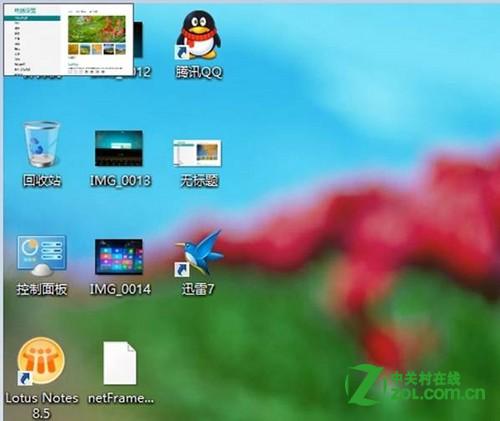
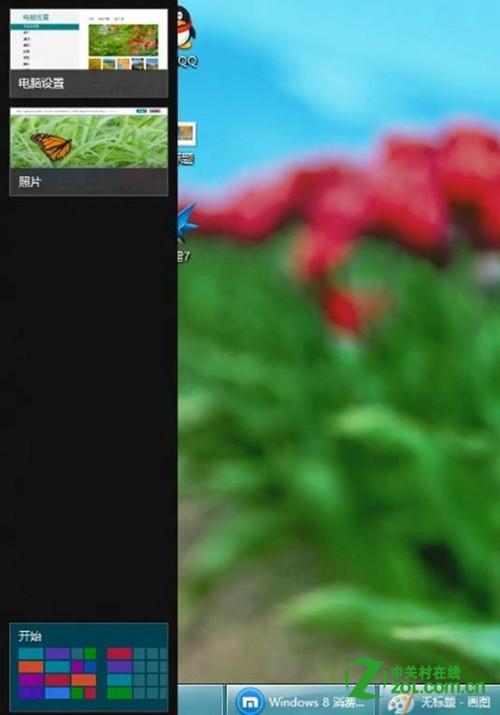
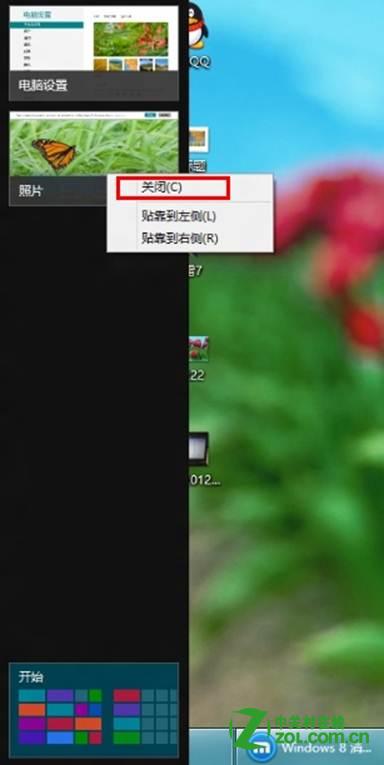
Windows 8 開始畫面執行的 Modern 應用程式無關閉鈕,提供兩種關閉方式:
方法一適合觸控操作,方法二適合滑鼠鍵盤用戶快速管理多個後台應用。
Win8 設定 Windows 更新失敗還原變更?msconfig 禁用非 Microsoft 服務乾淨啟動後再更新
Win8 如何關閉顯示卡硬體加速?修改登錄值降低顯卡負載
Win8.1 滑動關機隱藏功能啟用與快捷方式建立:一鍵體驗手機式關機
Win8.1 休眠喚醒要求密碼:電腦設定→帳號→登入選項→密碼原則
Windows 8 磁碟已用空間與檔案大小不符解決:隱藏系統資料夾佔用空間
Windows 8 OneDrive 建立資料夾,雲端檔案分類管理
Win8 無線網路連不上?兩大排查:硬體開關檢查、重裝無線網卡驅動
Win8 啟用內建 Administrator 管理員帳戶登入系統