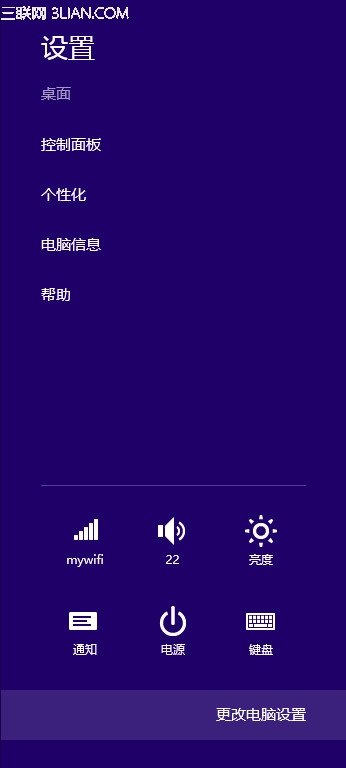
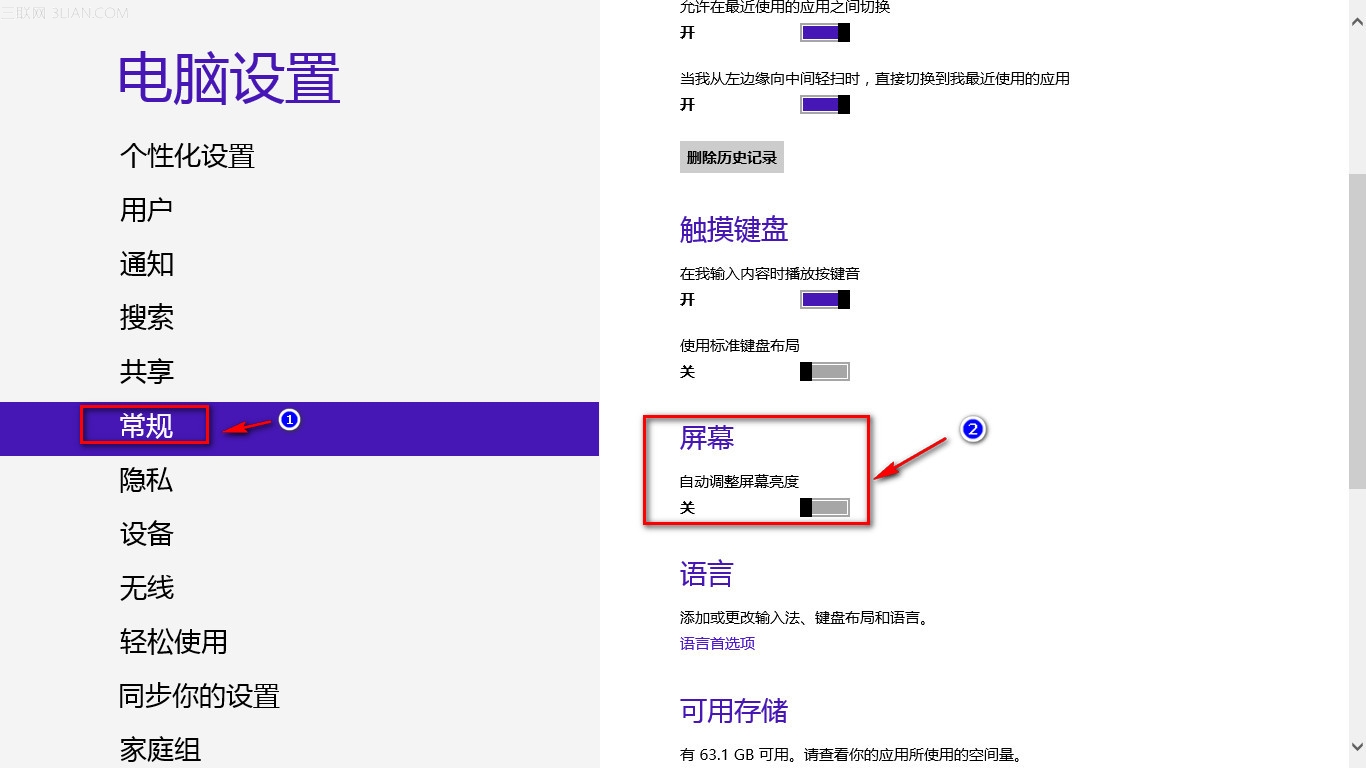
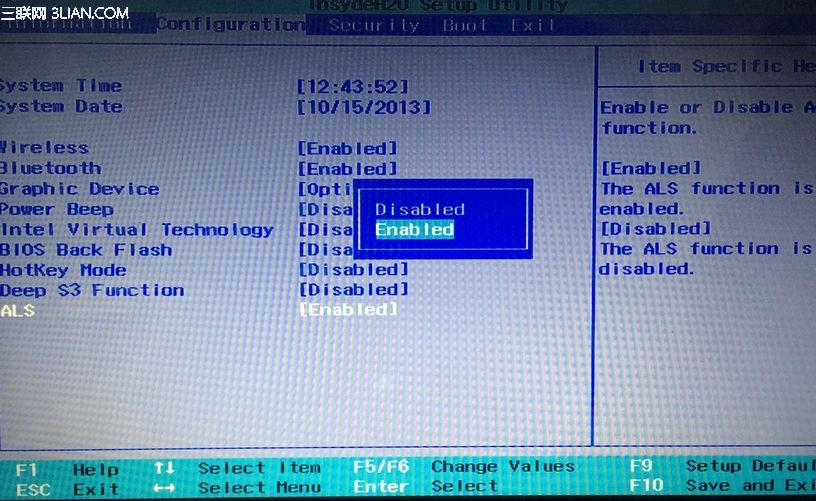
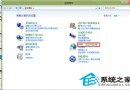
ALS(Ambient Light Sensor)環境光感測器依周圍亮度自動調整螢幕,特定環境下可能干擾使用,可依上述兩階段關閉。
Win8 照片檢視發黃問題:ICC 色彩設定檔衝突解決法
Win8 系統更新後 IE 瀏覽器無法開啟 Winsock 重置修復法
Win8 防止 USB 隨身碟病毒入侵:註冊表封鎖 MountPoints2 自動執行
Windows 8.1 使用 DISM 指令清理 WinSxS 元件庫釋放磁碟空間
Win8 開機直接進入桌面:登錄修改 Shell 啟動參數
Windows 8 卸載 IE 瀏覽器各版本的完整指南
Windows 8 啟用休眠模式完整圖文教學
Windows 8 修改地理位置/主要位置設定:影響天氣、地圖、商店內容