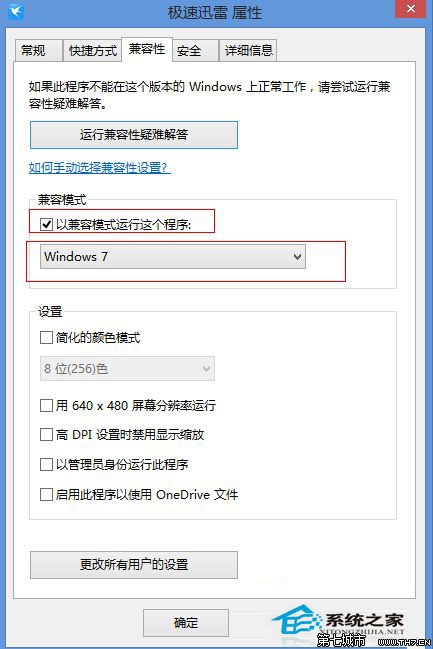
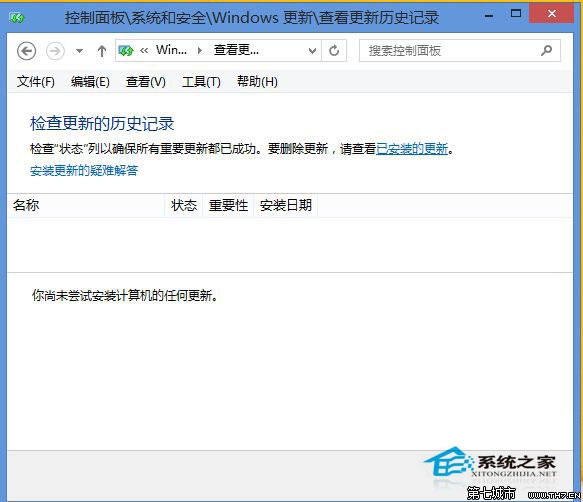
優先嘗試相容模式;若無效再考慮移除更新(可能影響系統安全性)。
Windows 8/8.1 喚醒原生「開始選單」:任務列新增工具列法
Win8 快速複製檔案完整路徑:網址列右鍵或 Shift+右鍵「複製為路徑」
Windows 8 關閉系統保護釋放磁碟空間:停用系統還原點功能步驟
Windows 8 修改系統字體工具 MacType 使用教學 (含載入模式、進程管理、字體選擇)
如何從雙系統移除 Windows 8 消費者預覽版?msconfig 刪除開機項目 + 手動刪除殘留檔案 + 取得資料夾擁有權完整流程
Windows 8 生活館:天氣通、行事曆、高德地圖、OneNote 打造完美春遊規劃
Windows 8 關機方法大全:六種快速關機技巧
Windows 8 朗讀程式完整指南:啟動、關閉與徹底停用