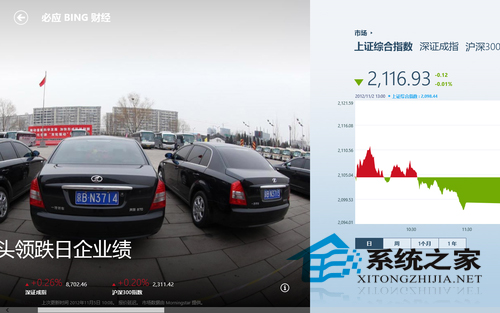
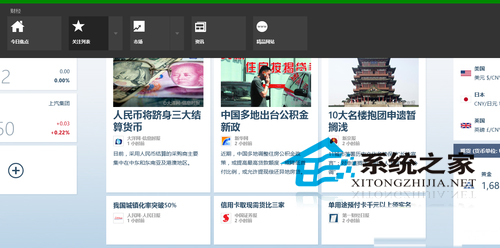
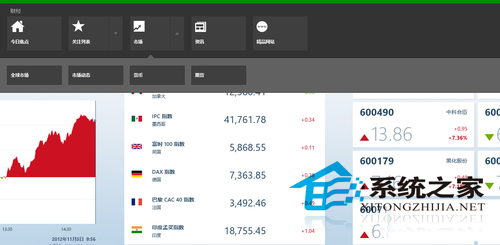
「財經」(必應財經) 為 Win8 內建應用,首頁顯示新聞、上證/深證指數、關注清單、市場總覽。
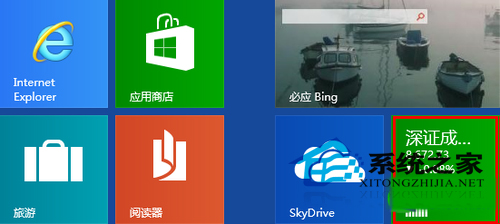
開始畫面磚會自動滾動顯示關注清單股票即時資訊,無需開啟應用即可掌握行情。
右鍵選單可切換「資訊」、「市場資料」、「投資組合」等細分頁面,資訊豐富。
Windows Store 搜尋「財經」或「必應財經」即可重新安裝。
Win8 設定網路時間自動同步兩大方法圖解
Win8 開網頁提示未回應?IE 進階設定關閉 GPU 硬體加速改用軟體繪圖
Win8 無法設定靜態 IP?重裝 TCP/IPv4 協定或重置網路堆疊解決
Win8.1 乙太網路「沒有有效的 IP 組態」?手動設定靜態 IP 與 DNS 修復
Windows 8 變更桌面圖示:顯示/隱藏電腦/回收站/控制台/網路
Win8.1玩LOL(英雄聯盟)閃退/無法啟動?V3.1.0.3升級+32位補丁+關閉快速啟動三步修復
Win8.1 Update「應用程式」檢視顯示更多磚:大螢幕必開功能
Windows 8.1 微軟拼音輸入法雲端候選功能:啟用與常見問題解答